
Reference to Video
0 / 20000
Credits required:
5
1 / 4
Unlock the power of perfect consistency with Nano Banana's Reference to Video technology. Unlike traditional image-to-video tools, our advanced engine allows you to upload reference images to lock in character identities, visual styles, and object details across every frame. Whether you need to maintain a character's face in changing backgrounds or ensure multi-entity consistency for complex storytelling, Nano Banana eliminates 'flickering' and morphing. Create fluid, professional-grade videos where your subject remains absolutely recognizable from start to finish.
Turn visual references into a clear creative direction. Nano Banana brings character guidance, reusable assets and multi-reference video generation into one workflow for ads, short films and social content.
Use portraits or character sheets to guide facial features, outfits and proportions while your prompt directs natural movement. Reuse the same references for related clips to help keep your cast recognizable as locations, actions and camera angles change.
Create with Reference to Video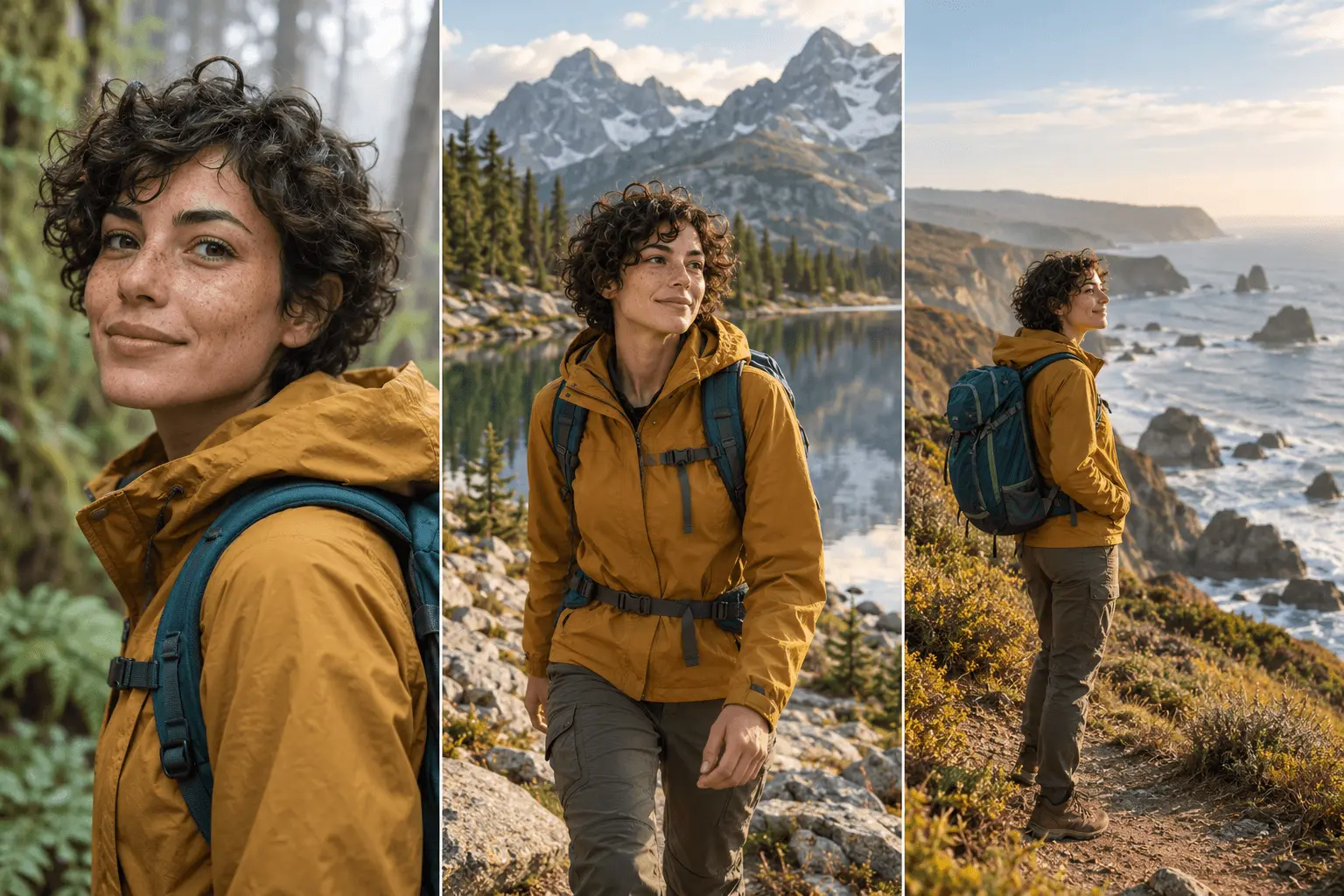
Upload your own images or reuse previous creations from your assets library. Guide the character, product, composition or visual style with each reference. On supported models, add video references to communicate motion, camera movement and the rhythm of a scene.
Create with Reference to Video
Give backgrounds, props, lighting and color a shared visual direction. Combine consistent references with scene-specific prompts to create related shots that fit together, whether you are developing a product campaign, an animated story or a series of branded videos.
Create with Reference to Video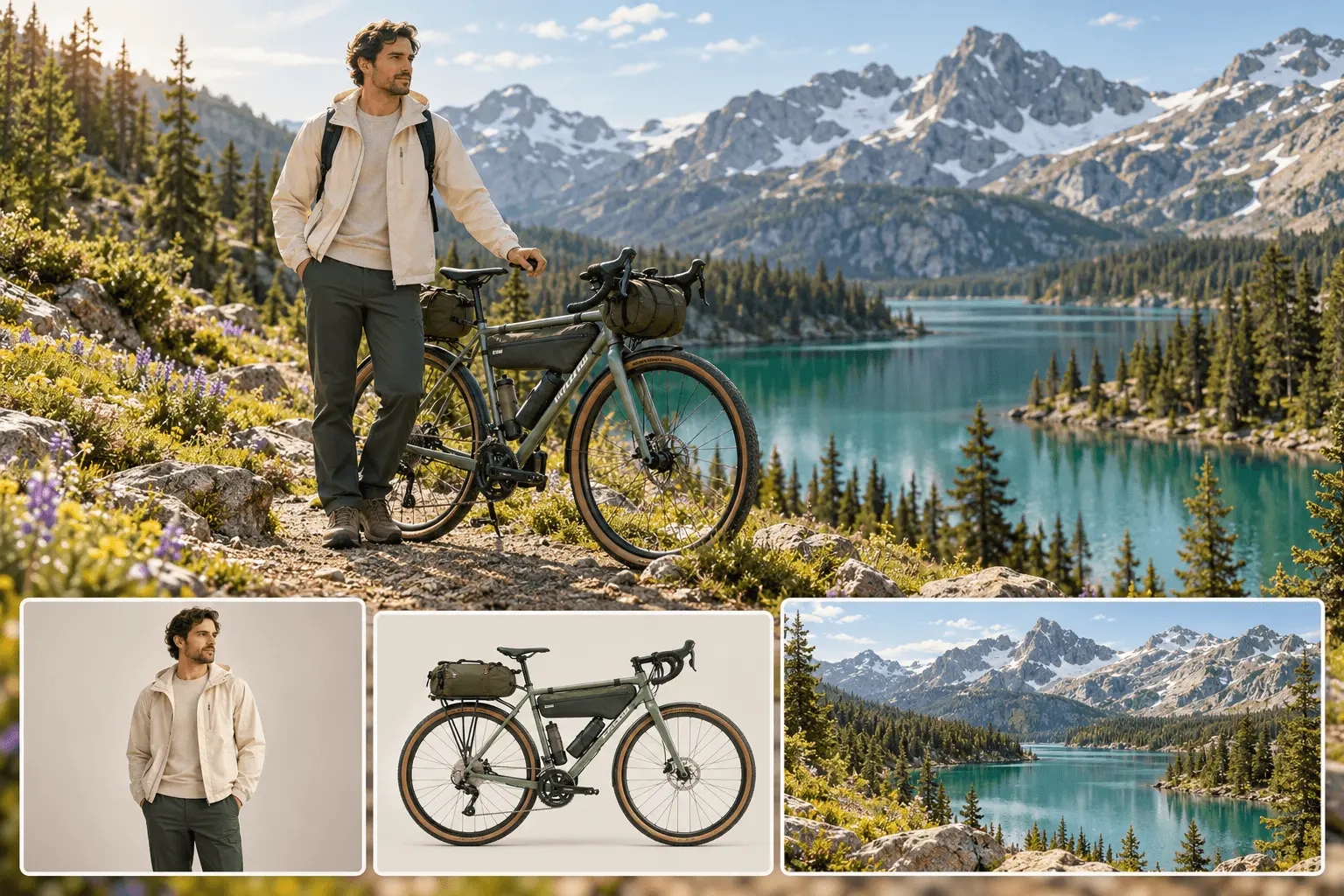
Bring characters, products and settings together in one video brief. Assign each reference a clear role in your prompt to guide interactions and composition. Reference limits and supported media vary by model, so choose the option that fits your scene.
Create with Reference to Video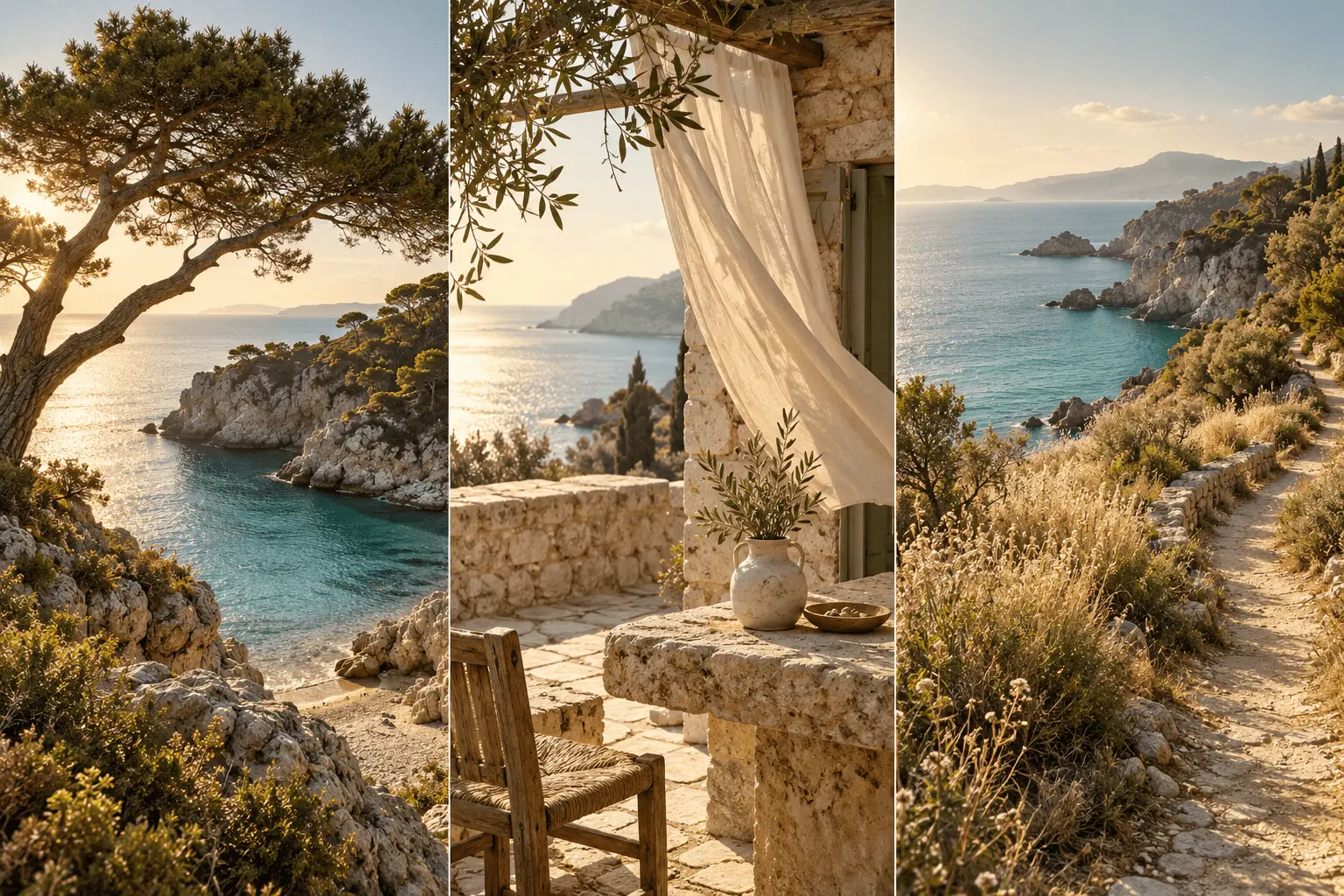
Create an AI video from your reference images in three steps: choose your references, describe the action and download the take that fits your story.
Select Reference to Video in the video generator, then choose a model. Upload clear reference images of your characters, products or settings, or select compatible assets from previous creations. Check the selected model's reference limits before adding more.
Describe what each subject does, where the scene takes place and how the camera moves. Explain which details to preserve from each reference, then choose the available duration, aspect ratio and resolution for your project.
Generate your video and review character details, movement and visual continuity in the preview. Refine the prompt or references if needed, then download your preferred result. Reuse the same assets to create the next shot in your story.
Discover how Nano Banana's Reference to Video revolutionizes AI video production with unmatched stability and control.
Standard Image-to-Video simply animates a static picture. Nano Banana's Reference to Video uses your images as a 'style guide' or 'character sheet.' This means you can generate completely new actions, angles, and scenes while keeping the subject identical to the reference, rather than just making the image move.
Nano Banana utilizes advanced feature-locking algorithms. By analyzing your reference images, the AI maintains the integrity of facial structures, outfits, and props across frames. This solves the common AI problem of characters 'morphing' or changing faces during movement.
Yes. Our Reference to Video engine supports multi-entity consistency. You can upload multiple angles or references to help the AI understand the 3D structure of your character or product, resulting in superior visual coherence and unified style throughout the video.
Absolutely. It is designed for creators who need precise control. Whether for brand marketing, narrative series, or virtual influencers, Reference to Video ensures that your visual assets comply with brand guidelines and remain consistent scene-after-scene.
Yes. The core strength of Reference to Video is separating the 'Subject' from the 'Scene.' You can use text prompts to change the background environment (e.g., from a city to a forest) while the character from your reference image remains perfectly consistent.