Bulin 47 AI Video Generator

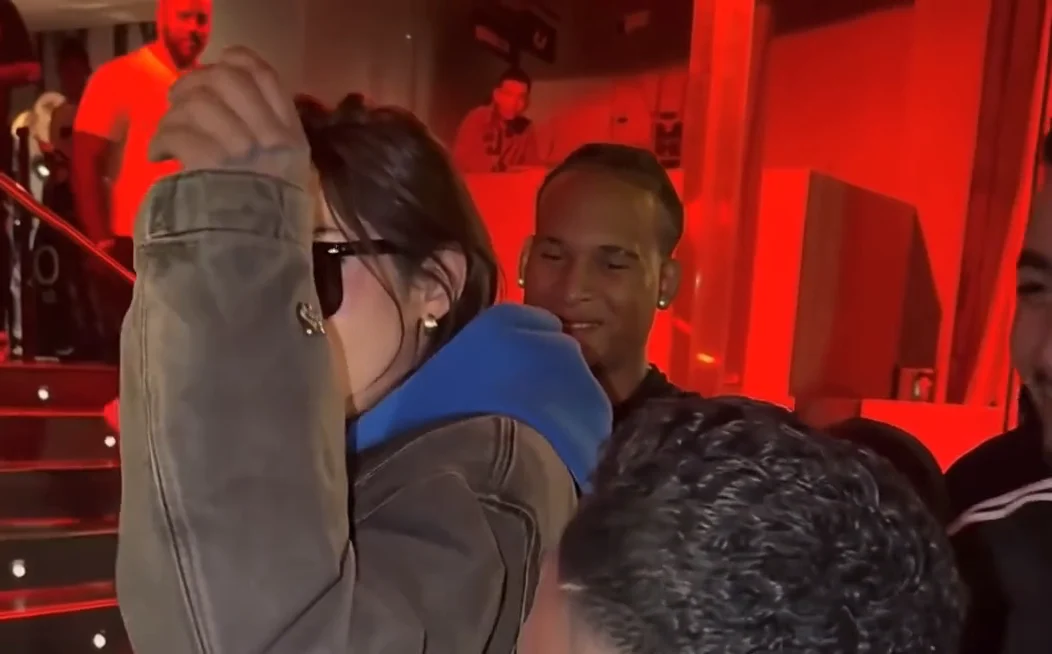
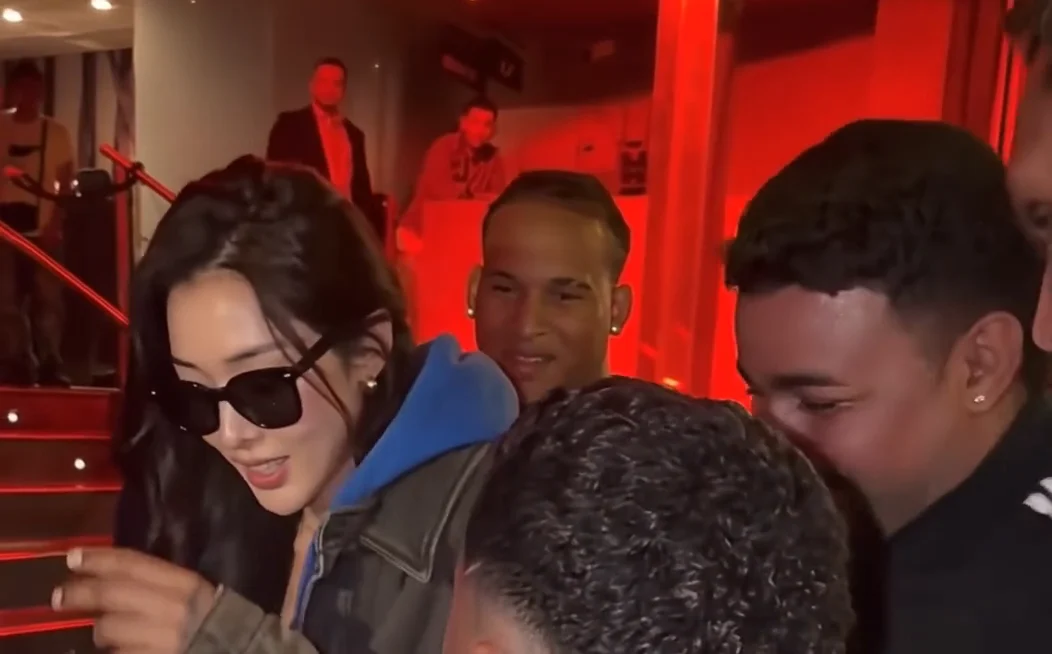
Turn one photo into a Bulin 47 AI video. Step into a street freestyle scene with expressive dance moves and dynamic camera motion, without filming a performance yourself.

Create your own Bulin 47 AI street performance

A ready-to-use motion reference brings your portrait into the scene.

Create a Bulin 47 AI video from one photo

Start with a single portrait. The effect uses your photo to guide the lead performer’s appearance, while the street scene provides the setting. No filming, choreography practice, or complicated timeline editing is needed.

Create Video Free
Create a Bulin 47 AI video from one photo

Give your character the spotlight

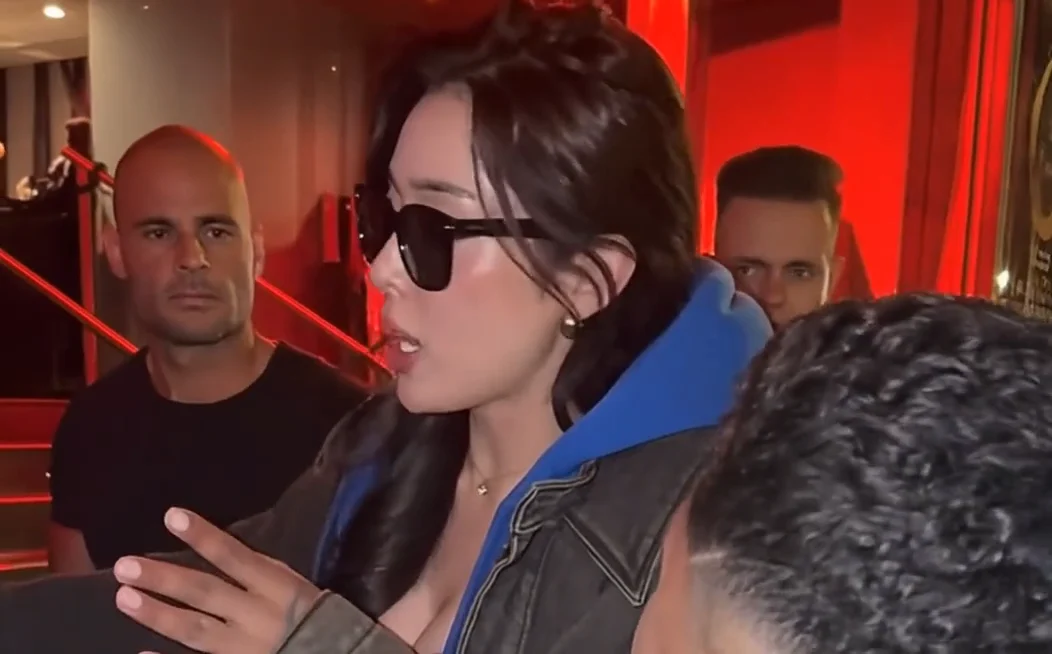
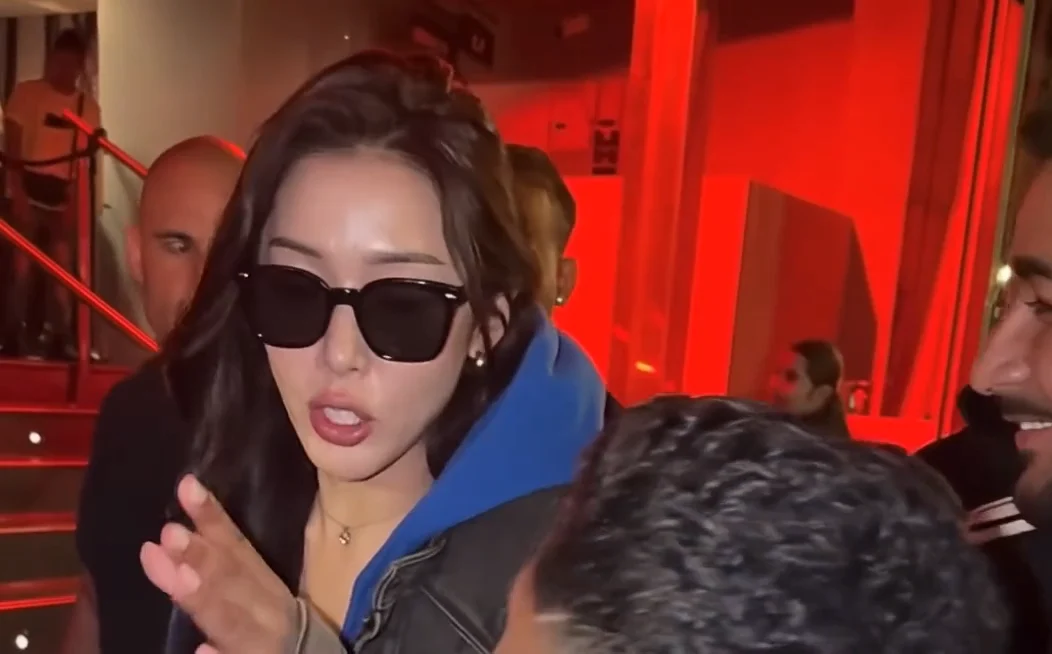
Put yourself, a consenting friend, or an original character at the center of the freestyle. The preset targets the lead performer wearing sunglasses and asks the model to preserve the supporting cast and scene.

Create Video Free
Give your character the spotlight

Follow the gestures and camera motion

The reference clip guides the gestures, posture changes, rhythm, and camera movement. The prompt requests a consistent identity through turns and close-ups. Results can vary, so preview the entire clip before sharing.

Create Video Free
Follow the gestures and camera motion

A silent video, ready for your soundtrack

This preset requests video without music, dialogue, or sound effects. Keep the original motion as your visual reference, then add music you can use in TikTok, Instagram Reels, or your preferred editor.

Create Video Free
A silent video, ready for your soundtrack

Why create Bulin 47 AI videos with Nano Banana?

A short path from portrait to performance, with settings and credits in view.

Start with your photos
01

A preset that is ready to go

The motion reference and detailed prompt are already configured. Upload your photo to get started.

02

Clear settings before you create

Review the available resolution, generation count, and estimated credits before submitting your task.

03

Preview before sharing

Find the finished video in My creations. Check the face, sunglasses, movement, and scene before downloading.

How to create a Bulin 47 AI video

From one photo to a personalized street performance in three steps.

  1. 01

    Upload your character

    Open AI Effect and add a clear, well-lit portrait of yourself or someone who has agreed to this use. Choose a JPG, PNG or WebP image up to 50 MB.

  2. 02

    Review the preset and resolution

    The reference video and performance prompt are ready to use. Choose an available resolution and review the credit estimate before generating.

  3. 03

    Generate, preview, and download

    Generate your video, then check the full performance and download your favorite take. The output is silent; add a soundtrack in your editor or social app if you wish.

Bulin 47 AI video FAQ

What to know about the trend, photos, sound, and credits.

What is the Bulin 47 AI video trend?

It is a photo-to-video format inspired by the street freestyle scene associated with Bulin 47 and Kevin Wai. Creators use AI to give the lead performer a different appearance while following the reference performance.

How many photos do I need?

One clear portrait is enough. Use your own photo or an image you have permission to use, with an unobstructed face and even lighting.

Do I need to write a prompt?

No. The effect includes the motion reference and a detailed prompt. It targets the central performer wearing sunglasses and requests that other characters remain unchanged.

Does the video include rap audio?

No. This preset generates a silent video. You can add an authorized soundtrack after downloading, or use the sound library in your social app.

Can I try Bulin 47 AI video for free?

You can create with available free credits if your account and the selected model allow it. Each generation uses credits; review the estimate and any plan requirements in AI Effect before submitting.

Explore More AI Models

Try for free

Create your own Bulin 47 AI video

Add one portrait and turn the street freestyle reference into a performance with your character.

Create Video Free