
FLUX 3 Image Klein
Start with the images you want to change. FLUX 3 Image Klein turns your edit instructions and one to three reference images into a new result, with 1K or 2K output. Refine a background, restyle a scene or combine visual references while keeping your creative direction clear.You can try it on Nano Banana
Try FLUX 3 Image Klein for Free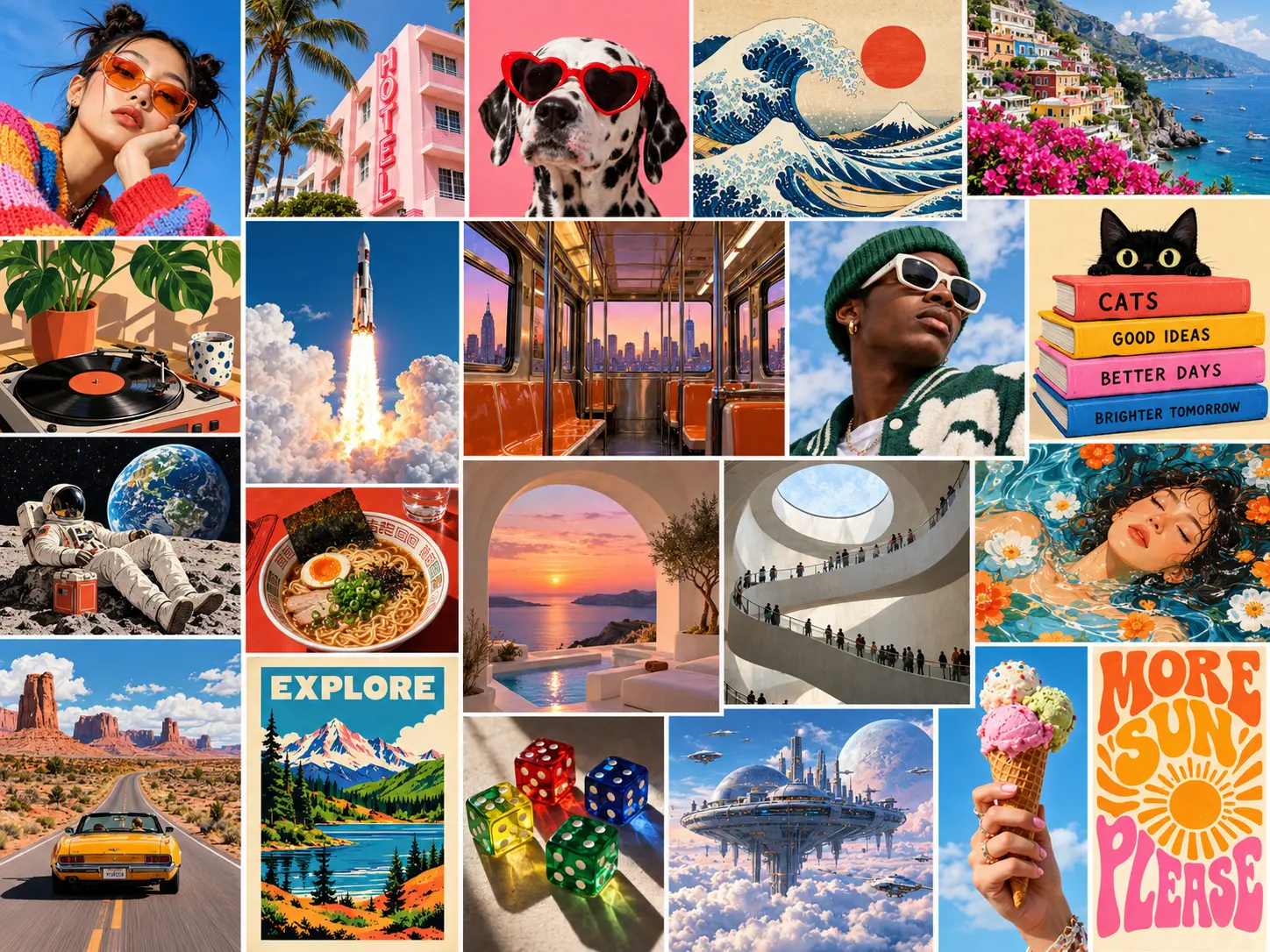
What is FLUX 3 Image Klein?
FLUX 3 Image Klein is Black Forest Labs' compact, open-weights image model, officially named FLUX 3 Image Klein. Its 5.6-billion-parameter design supports flexible visual workflows. The editor here uses the distilled image-editing version: provide one to three reference images, describe the change and choose 1K or 2K output. Downloadable model versions are also available for developers building their own pipelines.
What makes FLUX 3 Image Klein useful?
Use a small set of reference images and a clear edit instruction to develop a result that fits your project.
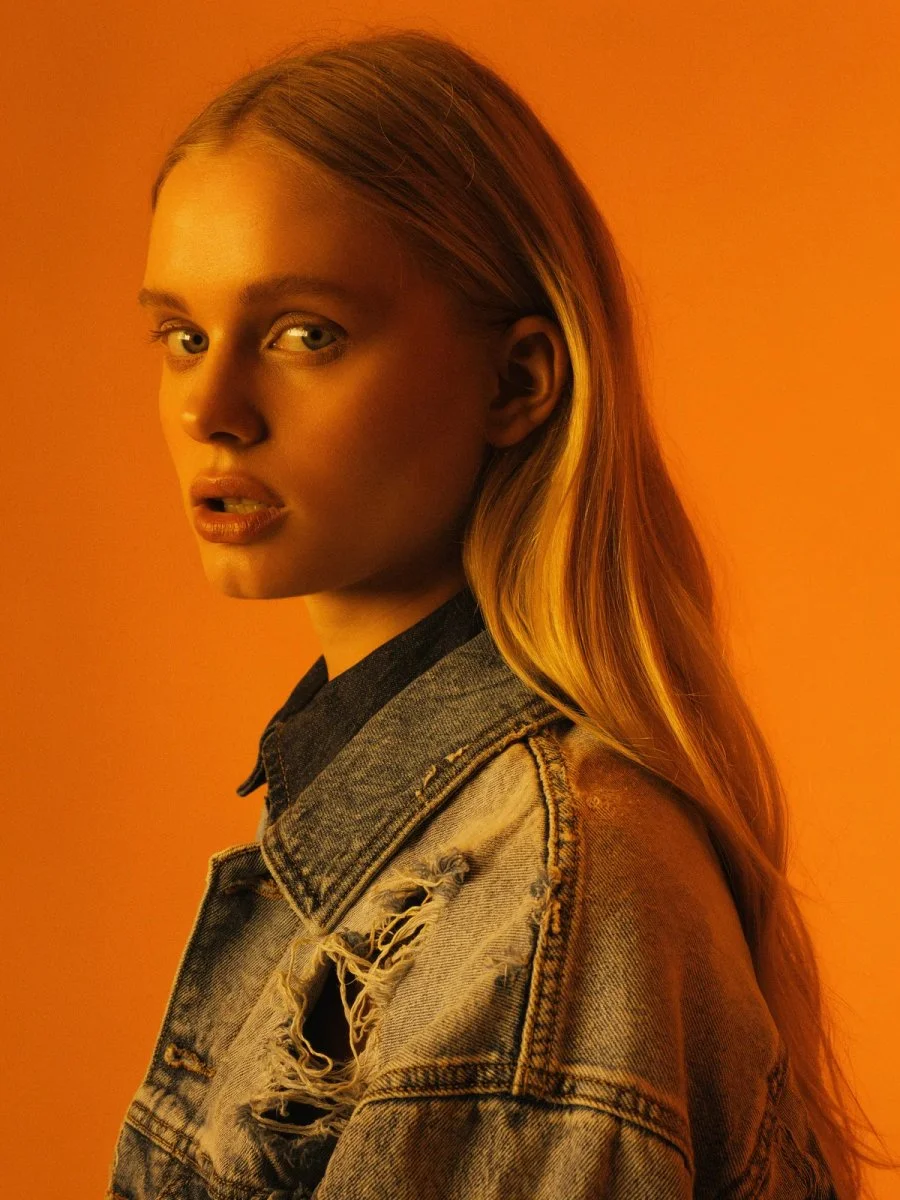
Edit and combine one to three references
Upload an image to edit, or combine up to three references that establish the subject, setting and visual style. Describe the role of each image and the changes you want. At least one reference is required for this editing workflow.
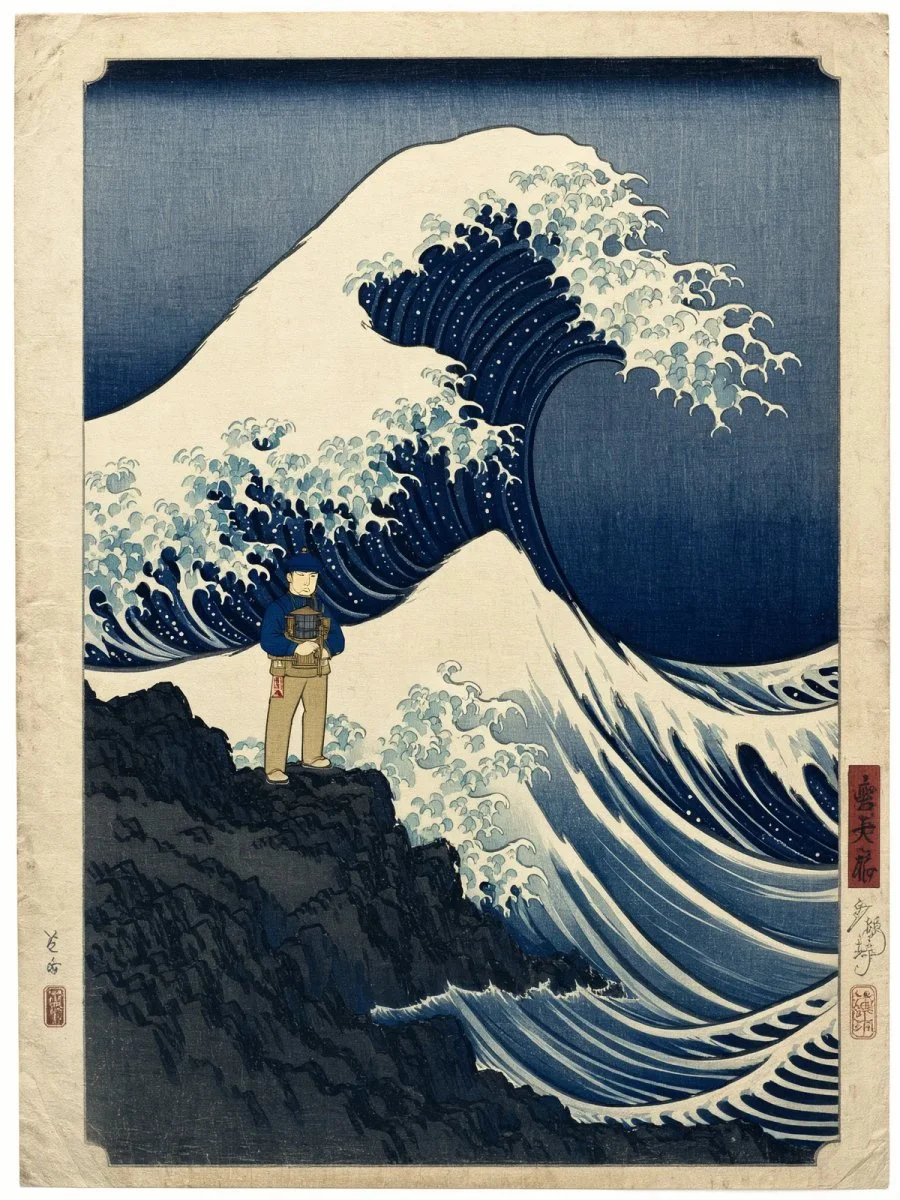
Make focused changes with natural language
Describe the detail you want to change and the parts you want to keep. Refresh a background, adjust a material or explore a different season while guiding the original composition. For a clearer edit, give each instruction a specific purpose and build on the result that works best.

Explore photography, illustration and design
Restyle a photograph as an illustration, explore a different lighting treatment or refine a graphic concept from a reference. Describe the medium, colors and composition you want to change while identifying the details that should stay recognizable.

Choose 1K or 2K image output
Use 1K, the default, to explore an edit or choose 2K when you need a larger result. Leave the aspect ratio on Auto to follow the first reference image, or choose a supported ratio for a different composition. Review fine details and any text before publishing.

Run a compact model in your own pipeline
The 5.6B-parameter model is designed to run on a single compatible consumer GPU. Download the weights for your own hardware or cloud setup, and connect Klein to ComfyUI or a custom pipeline. Its developer workflows also support bounding boxes for more deliberate control over a composition.

Choose fast inference or deeper customization
The online editor uses the distilled model for fast image editing. Developers can also explore the undistilled Base weights for fine-tuning and research. Choose the hosted editing workflow for changes from reference images, or set up a separate local pipeline for model customization.
How to use FLUX 3 Image Klein
Upload your references, describe the edit and choose the output settings.
Upload one to three images
Describe the edit and choose a size
Generate, review and refine
Explore more AI image models
FLUX 3 Image vs FLUX 3 Image Klein
FLUX 3 Image is Black Forest Labs' full-scale flagship image model. FLUX 3 Image Klein brings the family's capabilities to a smaller, open-weights architecture with a 5.6-billion-parameter image transformer, designed for fast generation and local hardware.
| Feature | FLUX 3 Image | FLUX 3 Image Klein |
|---|---|---|
| Model role | Full-scale flagship architecture for demanding image creation | Compact, open-weights model built for speed and customization |
| Size and architecture | A larger architecture focused on detailed images and complex scenes | 5.6B-parameter image transformer with a separate Qwen3-VL-4B-Instruct text encoder; the encoder is excluded from the 5.6B count |
| Creative focus | High-quality rendering, subtle stylistic detail and complex compositions | Fast image generation, instruction-based editing and multi-reference composition |
| Deployment | Hosted access through Black Forest Labs' API | Downloadable weights for a compatible consumer GPU, your cloud or a custom pipeline |
| Customization | Guide image creation with prompts, reference images and targeted edits | An undistilled Base checkpoint for fine-tuning, LoRA training and research, plus step-distilled checkpoints for low-latency inference |
| Best fit | Detailed scenes, polished visuals and demanding creative projects | Interactive tools, local image workflows and rapid creative iteration |
What can you create with FLUX 3 Image Klein?
Use a specific creative brief to turn the model's image capabilities into something useful for your project.
Portraits and editorial images
Explore lighting, styling and framing for a portrait series. Use references to guide the subject and describe the mood you want across the set.
Product and campaign concepts
Try new settings, materials and visual directions for a product concept. Keep the product reference clear and give the scene a single focal point.
Illustrations and story worlds
Develop a scene as a print, an illustrated story or a stylized concept. Describe the medium and texture alongside the characters and setting.
Posters and graphic layouts
Explore a poster, cover or packaging idea with text and imagery working together. Specify the hierarchy, color palette and exact wording in your brief.
Photo edits and scene variations
Change the atmosphere, an object or a background in an existing image. Name the elements you want to preserve so the edit has a clear boundary.
Custom creative pipelines
Use the open weights as a starting point for a ComfyUI workflow or a custom model project. Choose Base when your work involves fine-tuning or research.
Explore FLUX 3 Image Klein on X
Discover FLUX 3 Image Klein examples, creative ideas and image-editing workflows shared on X.
FLUX 3 Image Klein FAQ
Answers about required references, edit instructions, image sizes and working with the open weights.
What is FLUX 3 Image Klein?
Can I use FLUX 3 Image Klein online?
Can FLUX 3 Image Klein edit images and use multiple references?
Which resolutions does FLUX 3 Image Klein support here?
What is the difference between Klein Distilled and Klein Base?
Can I run FLUX 3 Image Klein locally or in ComfyUI?
Does FLUX 3 Image Klein generate video or audio?
Can I fine-tune the open weights for my own project?
Bring your next image idea to life with FLUX 3 Image Klein.
Try FLUX 3 Image Klein for Free