
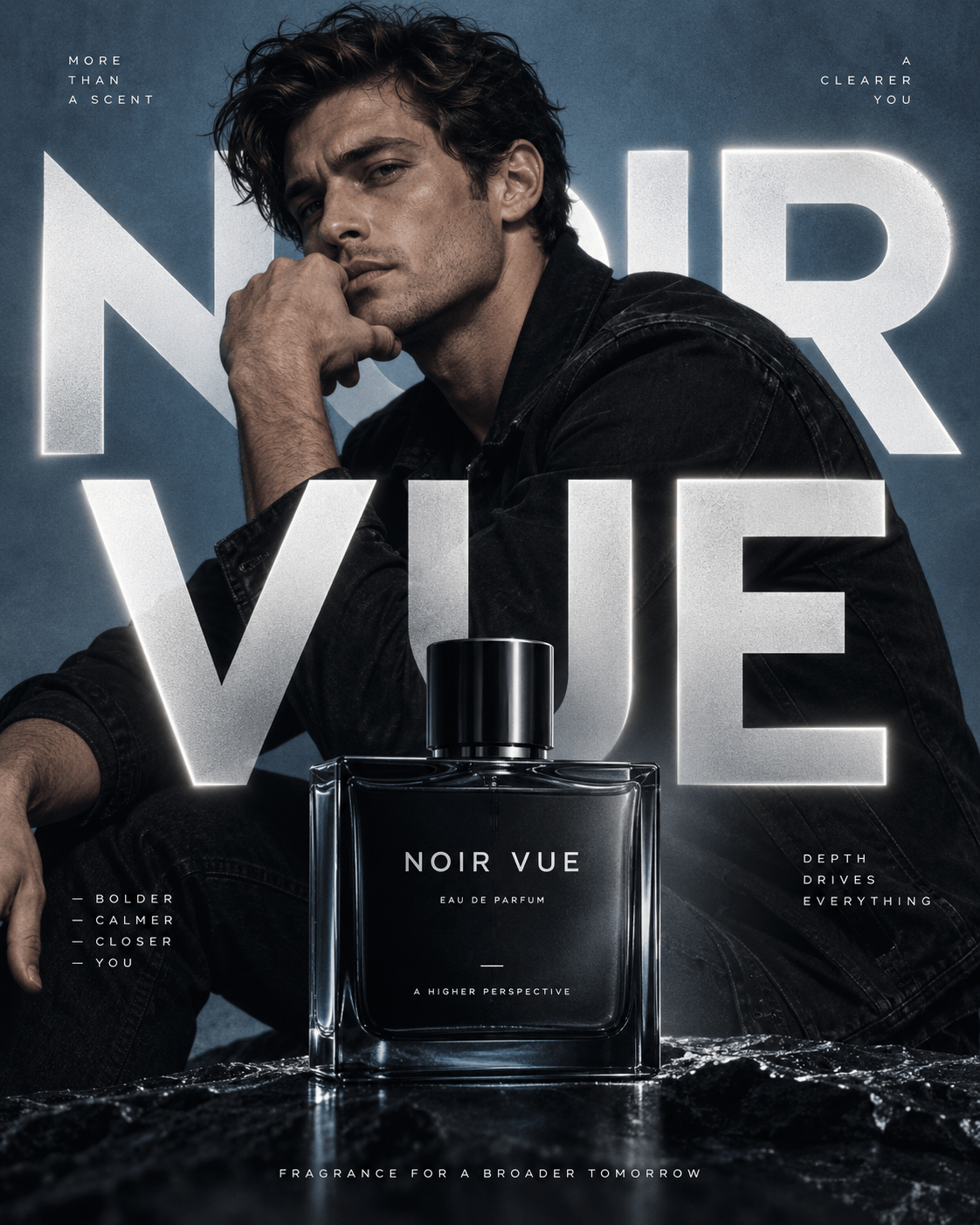
Social Content
Turn your photos into fresh portraits and social posts. Explore new backgrounds, outfits, and compositions while keeping a recognizable look.
Nano Banana 2.1 is an AI image generation and editing model for realistic visuals, consistent faces, and clear text at up to 4K. Bring your ideas to life with prompts and reference images, then adjust outfits, backgrounds, or fine details using natural language. Nano Banana 2.1 is coming soon — start creating with Nano Banana 2 today.
Nano Banana 2.1
Drag or click to upload up JPG, PNG, or WEBP images
Sample Image
(The Created Image results will appear here)
Bring prompts and references together for realistic images, consistent variations, and flexible editing.
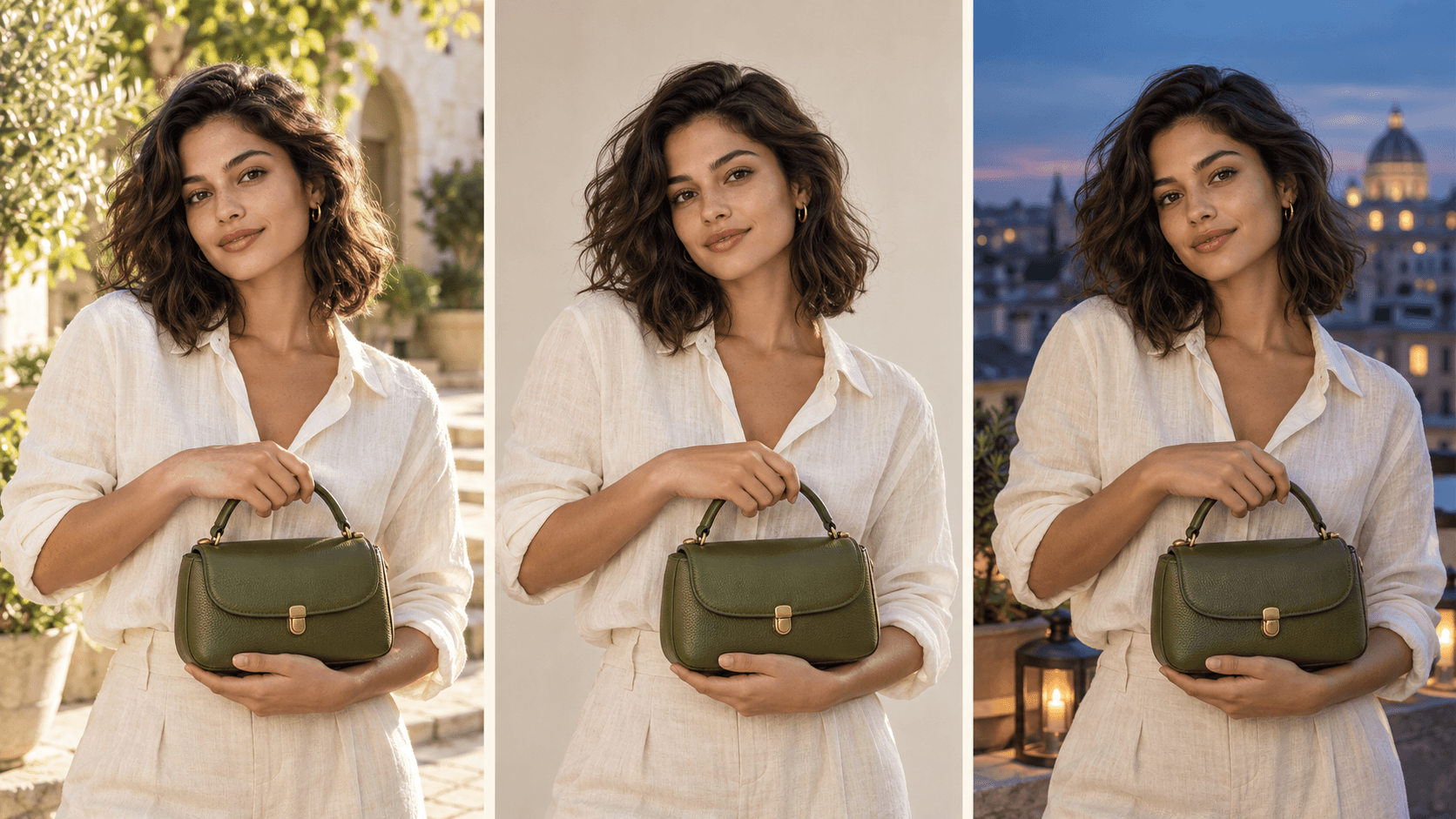
Create multiple variations from a reference while keeping faces, products, and visual style consistent. Explore different settings, lighting, and colors.
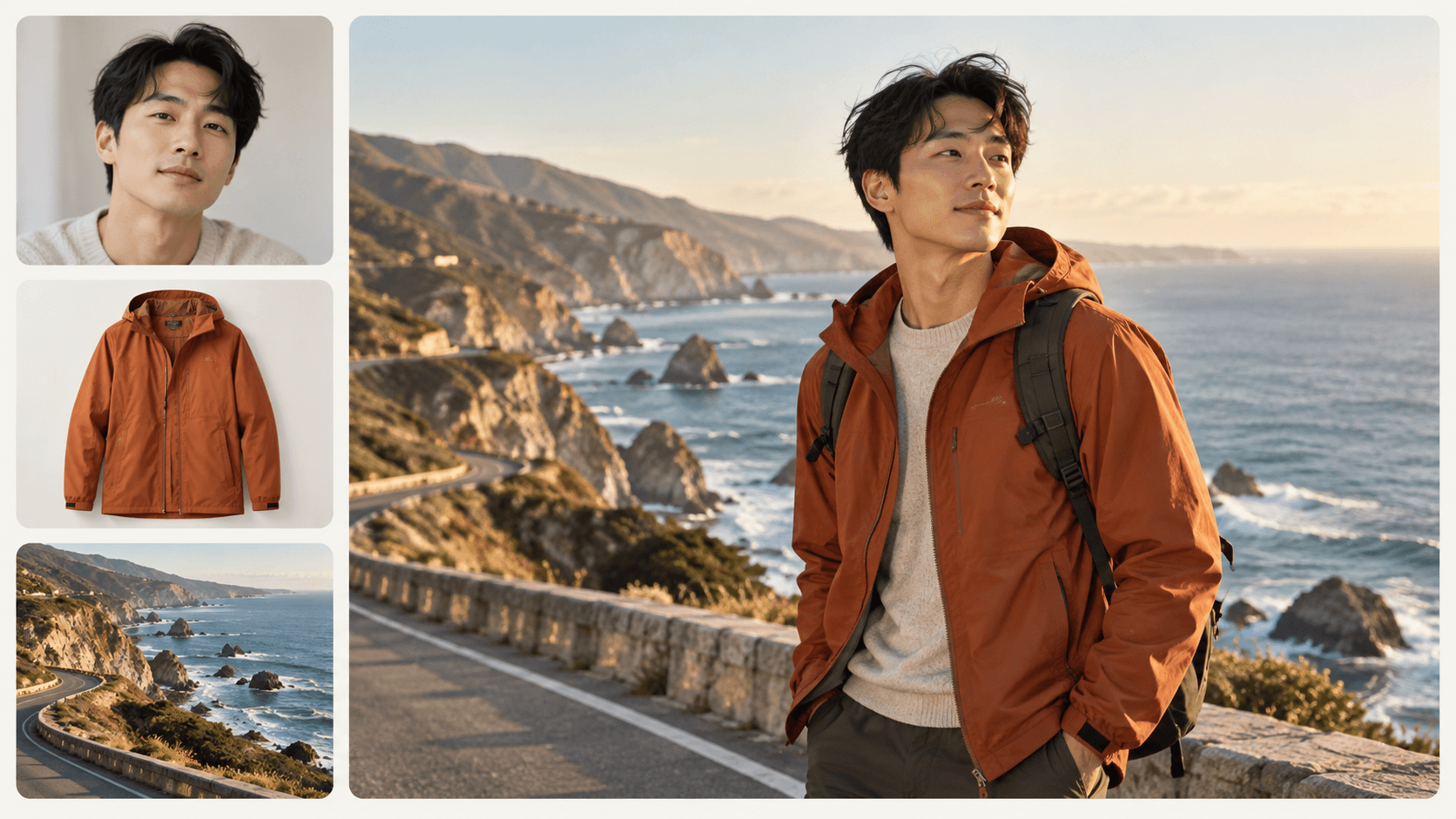
Combine reference images with detailed prompts to guide subjects, composition, and style. Describe what matters and keep your creative direction clear.
Change a shirt color, swap an object, or refine a background by describing the edit. Adjust specific details while preserving the rest of the scene.
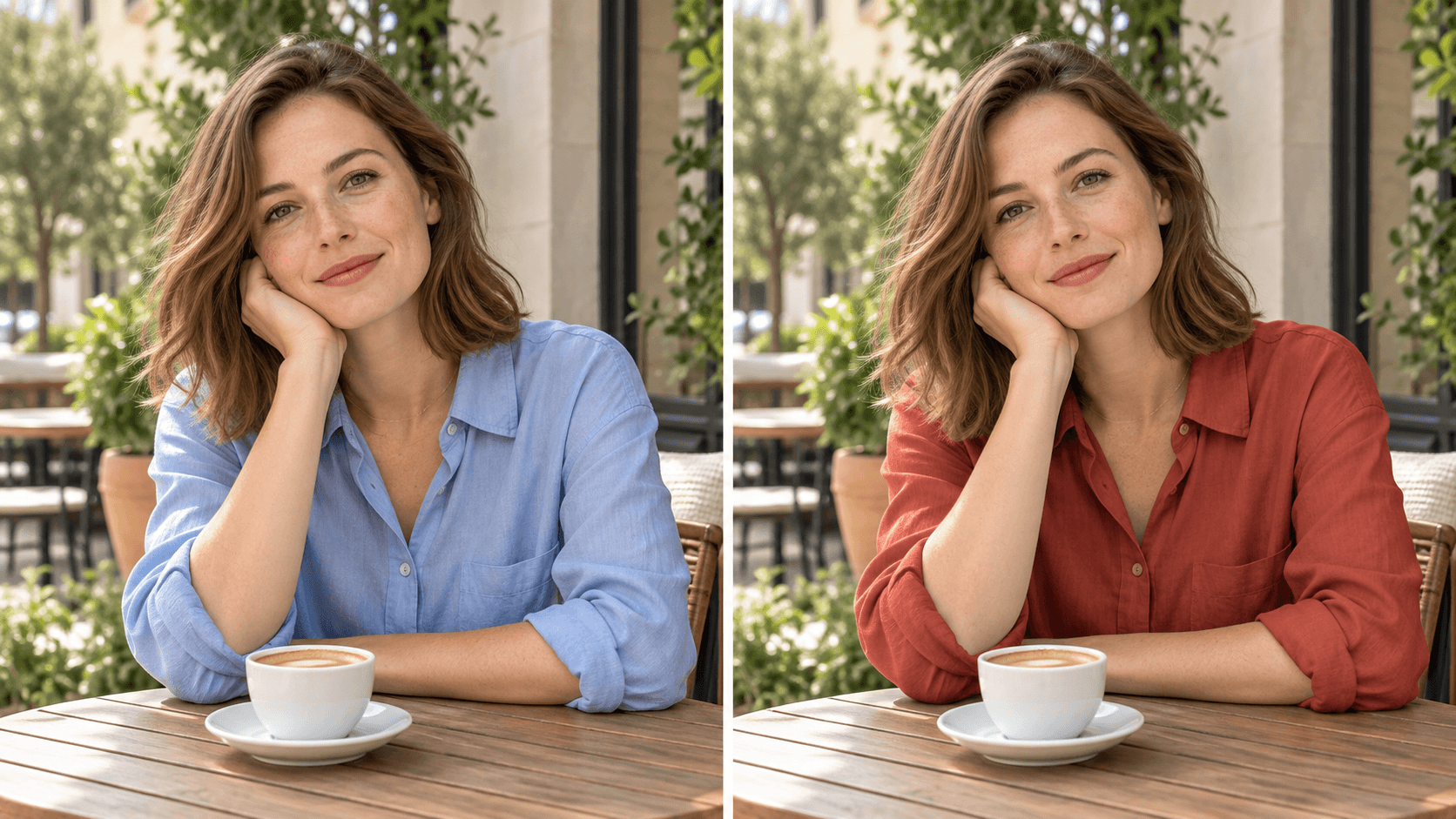
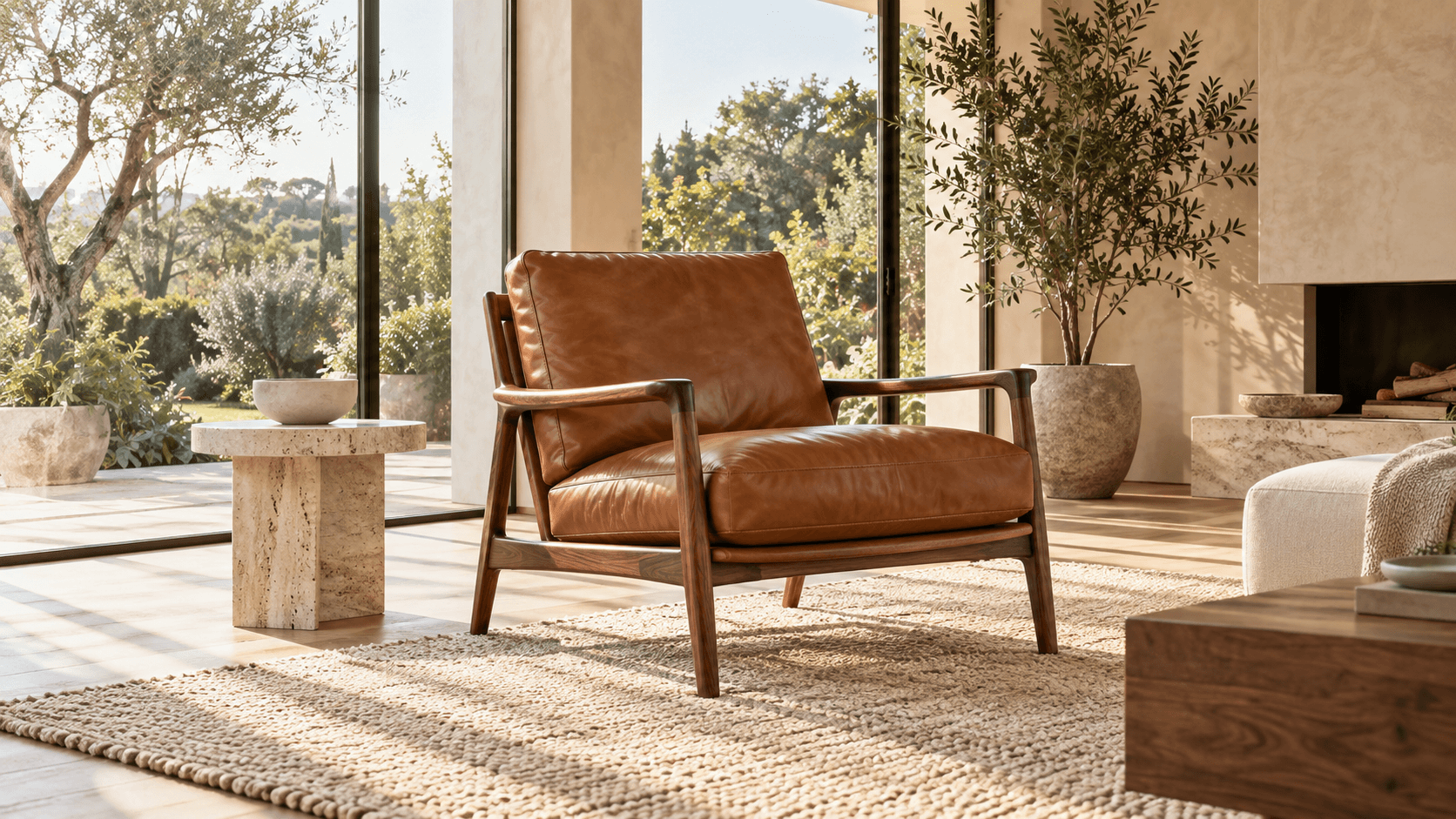
Create realistic textures, natural lighting, and fine detail at up to 4K resolution. Choose the available image size and aspect ratio for your project.
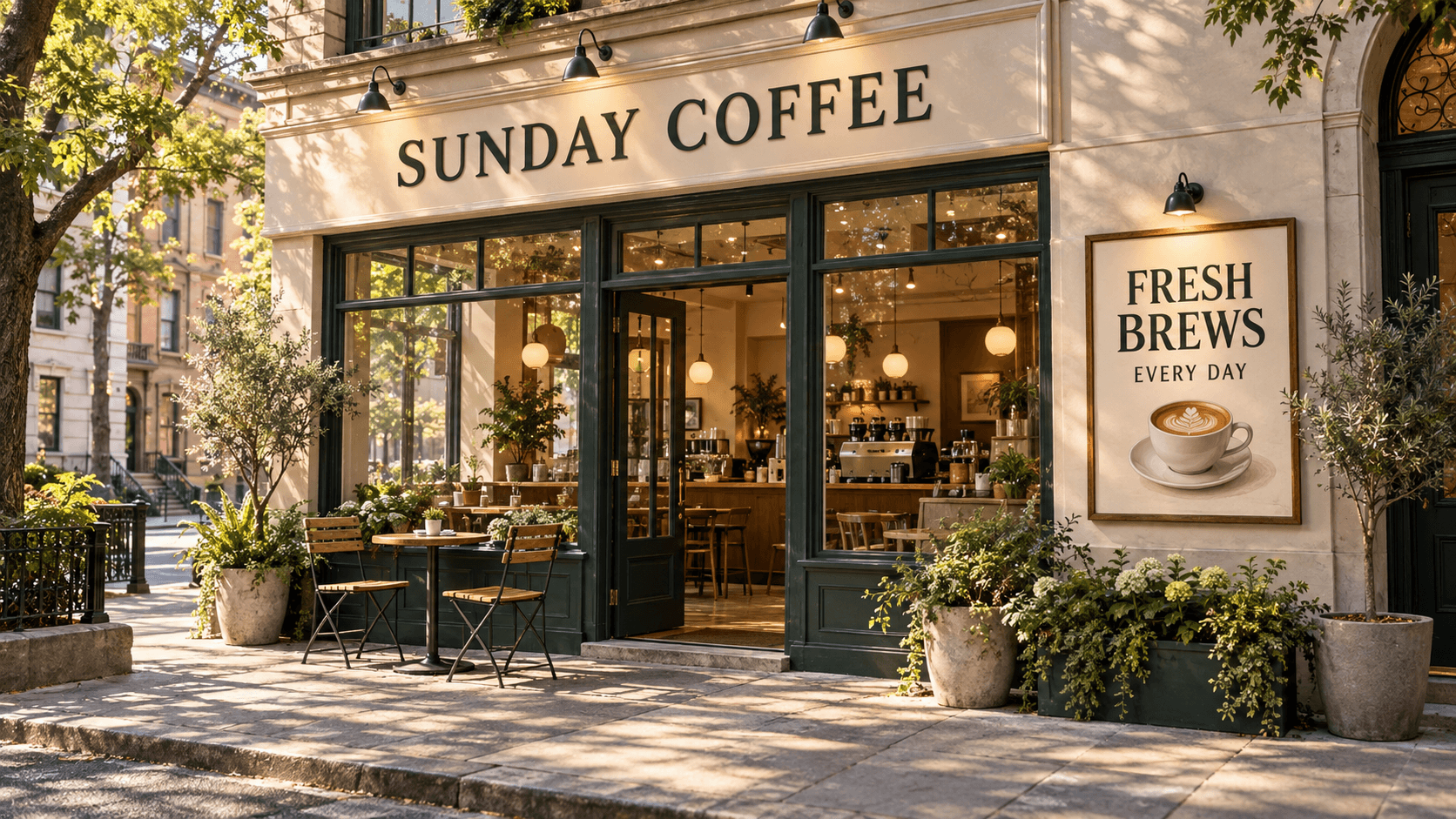
Create product labels, posters, and signs with readable text. Include the exact wording in your prompt, then check the result before use.
Go from an idea to a finished image in three simple steps.
Open the AI image generator and select Nano Banana 2.1 from the model menu.
Describe your subject, scene, style, and any text you want. Add reference images to guide faces, products, or composition.
Choose the available resolution, aspect ratio, and output count, then generate. Refine the result with text instructions and download your favorite version.
Start from a prompt or build on an existing image. Choose the workflow that fits your idea.
| Feature | Image Generation | Image Editing |
|---|---|---|
| Starting Point | A text prompt with optional reference images | An existing image and a description of the changes |
| Creative Control | Describe the subject, setting, lighting, and style | Specify the details to change and the elements to keep |
| Reference Images | Guide faces, products, composition, and visual style | Guide replacement elements or the desired look |
| Refinement | Explore variations and refine the strongest result | Make further changes with natural-language instructions |
| Best For | Product scenes, social content, posters, and character concepts | Outfit changes, object swaps, backgrounds, and style transformations |
Create coordinated visuals for social content, product catalogs, campaigns, and creative projects.
Turn your photos into fresh portraits and social posts. Explore new backgrounds, outfits, and compositions while keeping a recognizable look.
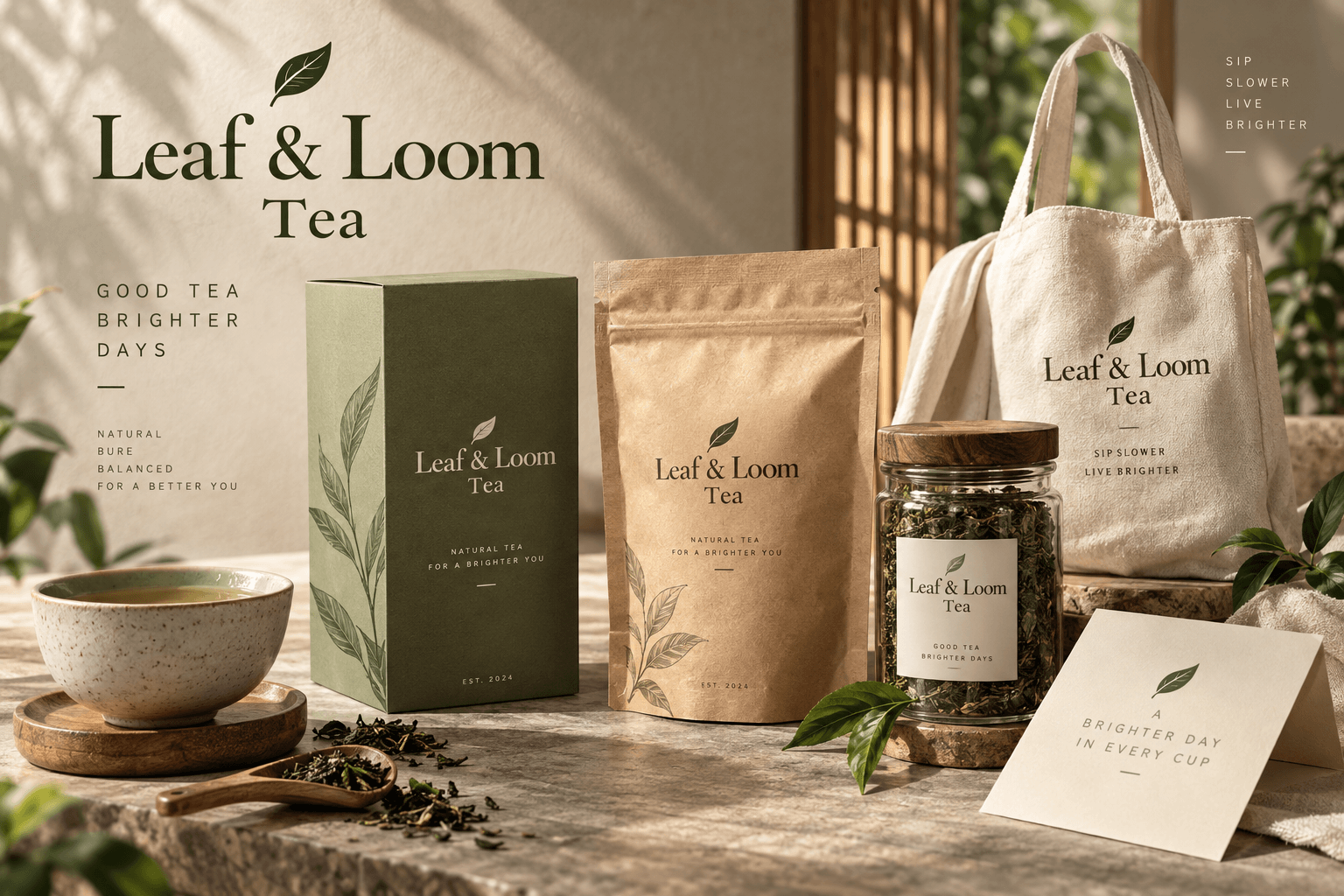
Use product references to create studio shots and lifestyle scenes with consistent shapes, materials, and packaging details.
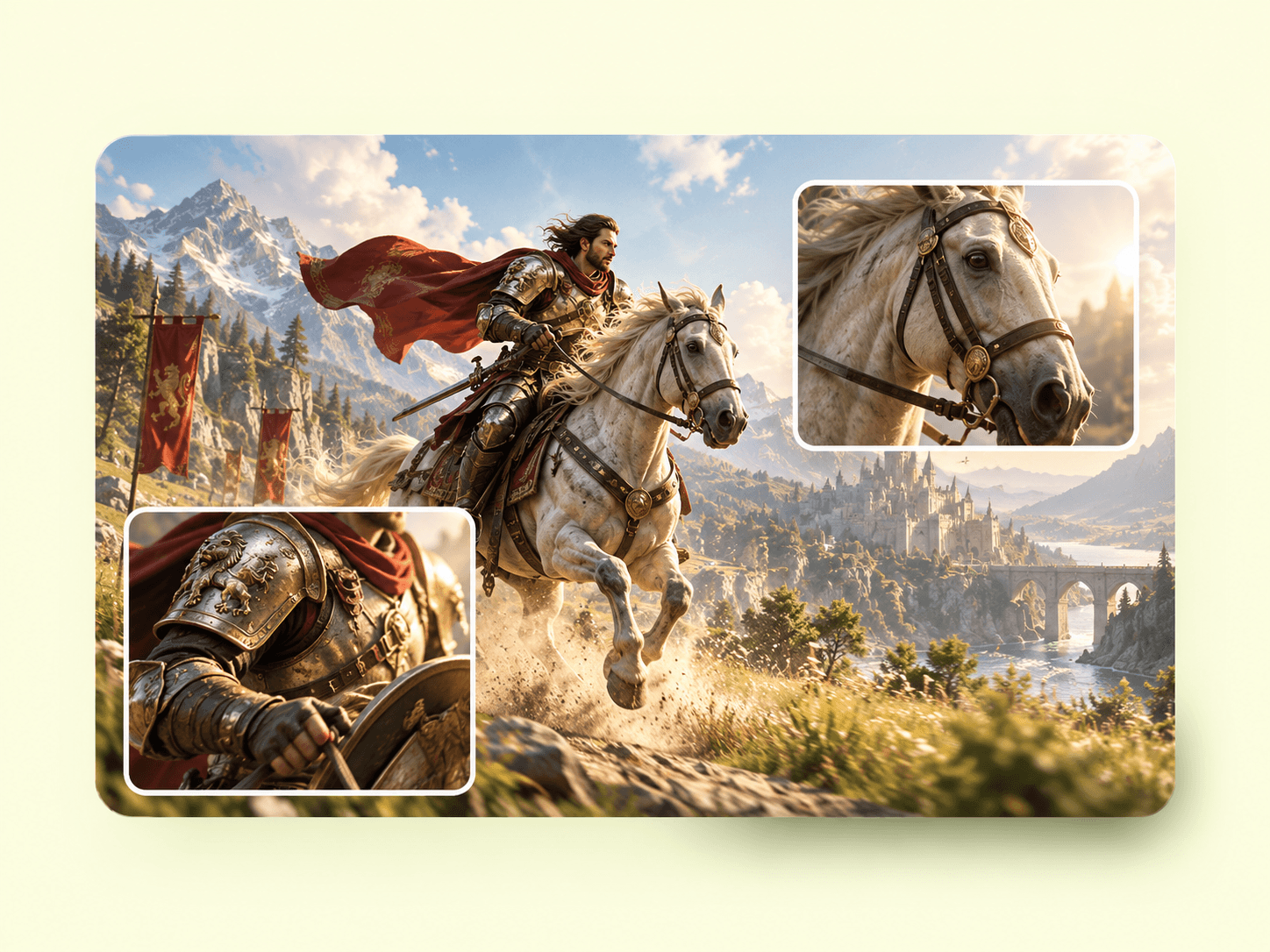
Change an outfit, replace an object, or restyle a photo as anime, a sketch, or an oil painting with simple instructions.
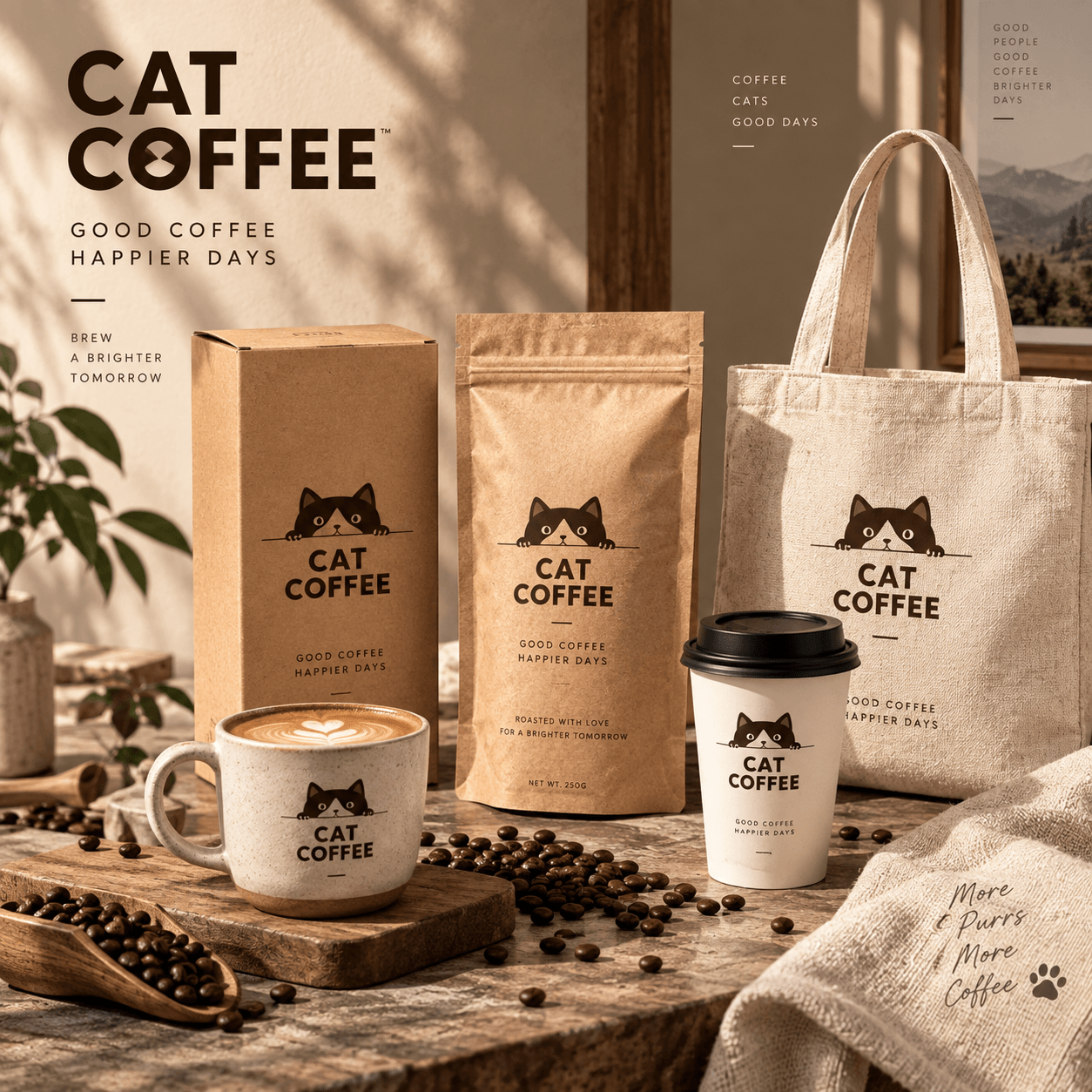
Create a coordinated set of ads and promotional images with consistent colors, subjects, and visual style.
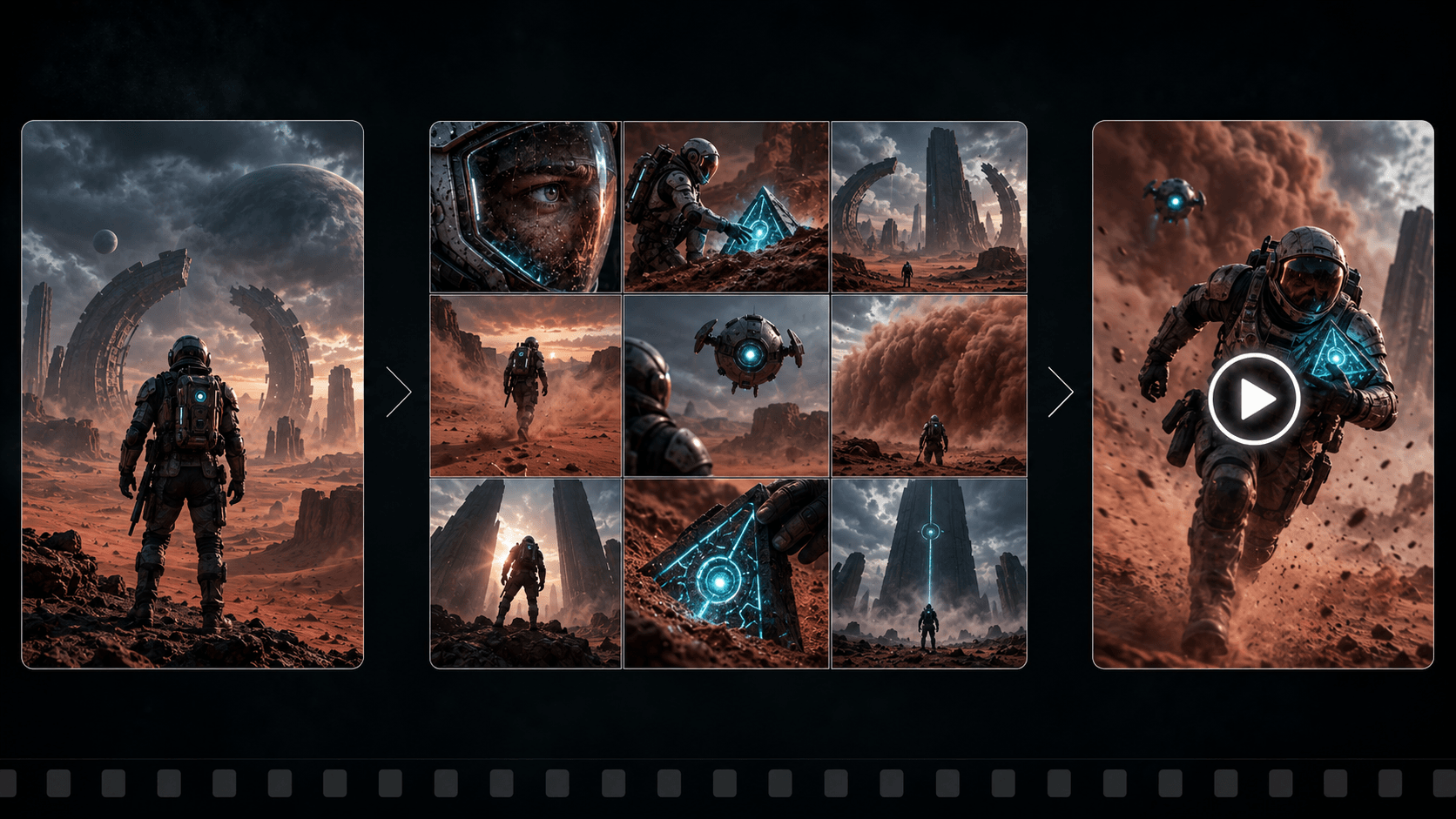
Explore recurring characters in different poses and settings, using reference images to guide their appearance.
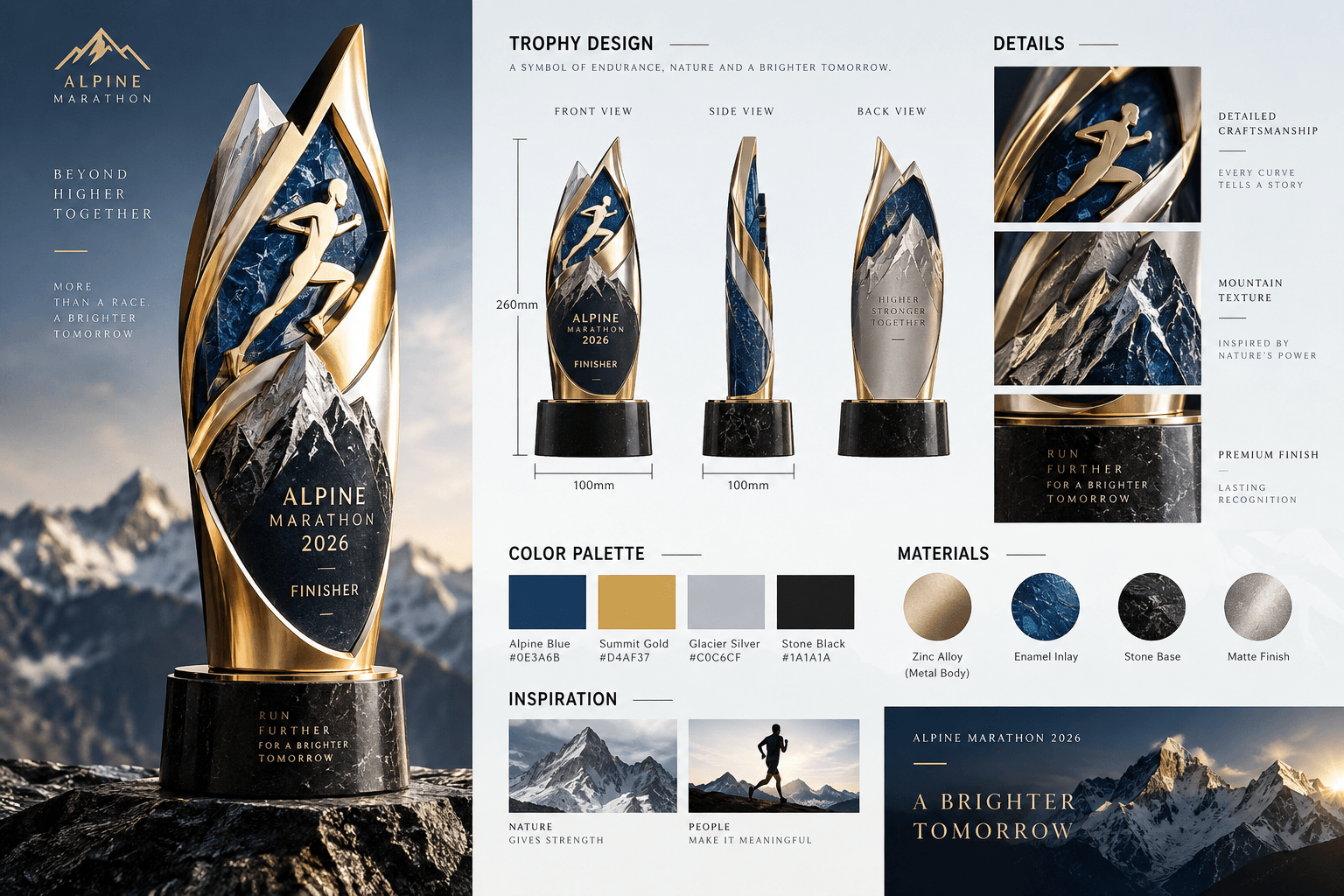
Generate visuals with readable headlines, product labels, and menu text. Review spelling and layout before publishing.
Discover image ideas, editing workflows, and creative experiments with Nano Banana 2.1.
Learn how to create, edit, and work with reference images in Nano Banana 2.1.
Nano Banana 2.1 is an AI image generation and editing model. It combines text prompts and reference images to create realistic visuals, maintain consistent subjects, and make edits with natural-language instructions.
Reference images help guide facial features, product details, and visual style across variations. Clear prompts and consistent references help keep a coordinated look, though results can vary.
Upload an image and describe what to change, such as a shirt color, an object, or the background. Specify what should stay the same, then review and refine the result.
Nano Banana 2.1 supports output up to 4K. Available resolutions, aspect ratios, reference limits, and output counts depend on the generation settings offered by the platform.