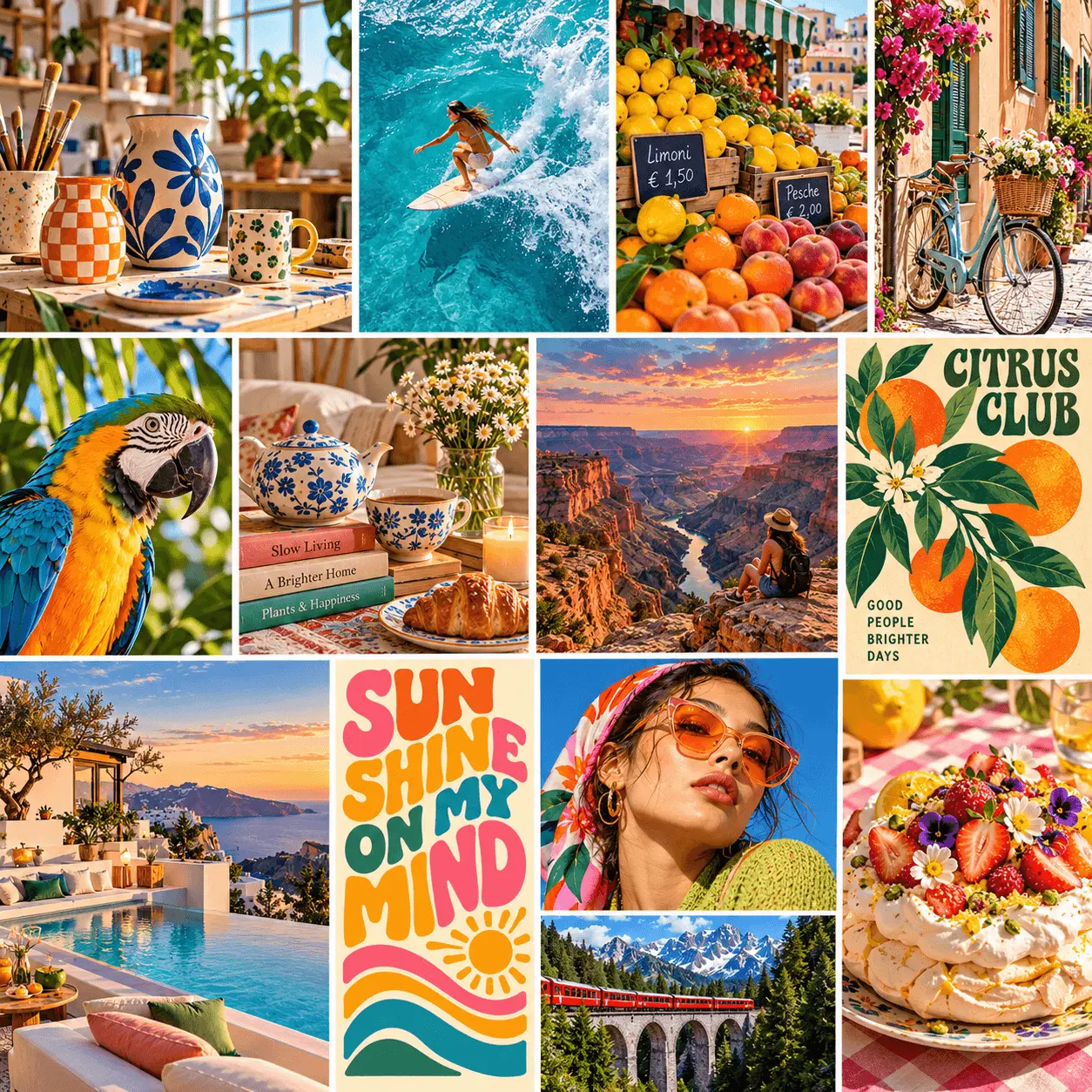
FLUX 3

FLUX 3 is a multimodal AI model for image and video generation. It turns text prompts and visual references into detailed images and dynamic videos, with support for image editing and native audio generation. Try FLUX 3 on Nano Banana.You can try it on Nano Banana

What Is FLUX 3?

FLUX 3 is a multimodal AI model from Black Forest Labs that brings together image generation, image editing, video creation and native audio. It transforms text prompts and visual references into detailed images and moving scenes with synchronized sound. With support for character consistency, multilingual dialogue and diverse visual styles, FLUX 3 helps creators bring their ideas to life across images and video.

Key Features of FLUX 3

From a single image to a scene with motion and dialogue, these six capabilities support different stages of a creative project.

AI Video Generation with Native Audio

Create video clips lasting up to 20 seconds with synchronized sound in one generation. FLUX 3 combines realistic motion and expressive visuals with audio that follows the scene, helping each shot feel complete.

Flexible Video Creation and Editing

Start with text, animate an image or reshape existing footage. Keyframes let you guide transitions between defined moments, giving you more control over how a scene begins, develops and ends.
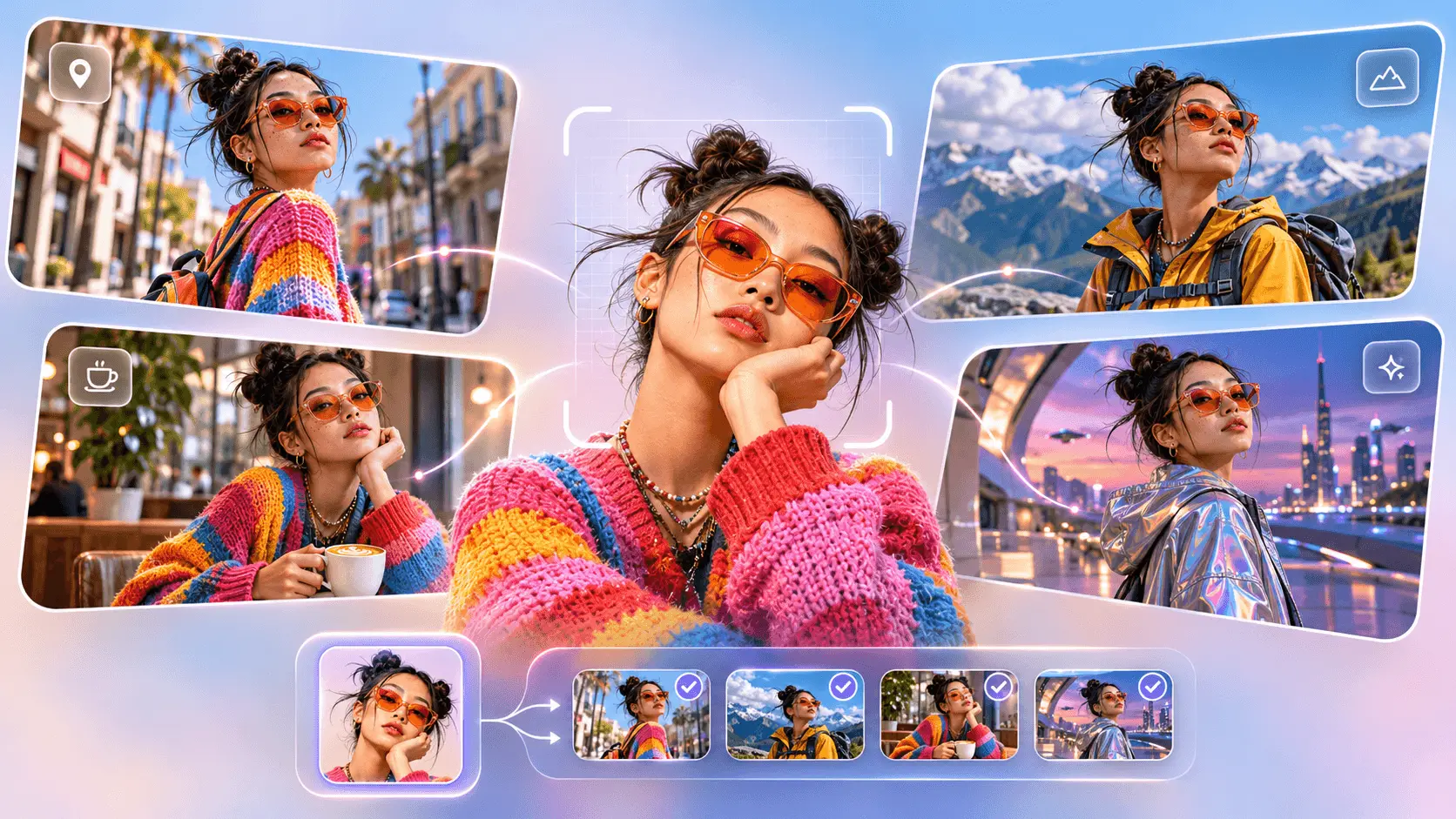
Consistent Characters Across Scenes

Consistent Characters Across Scenes

Use visual references to help characters remain recognizable across scenes and clips. Reusing those references makes it easier to develop a longer story while keeping the cast visually connected.
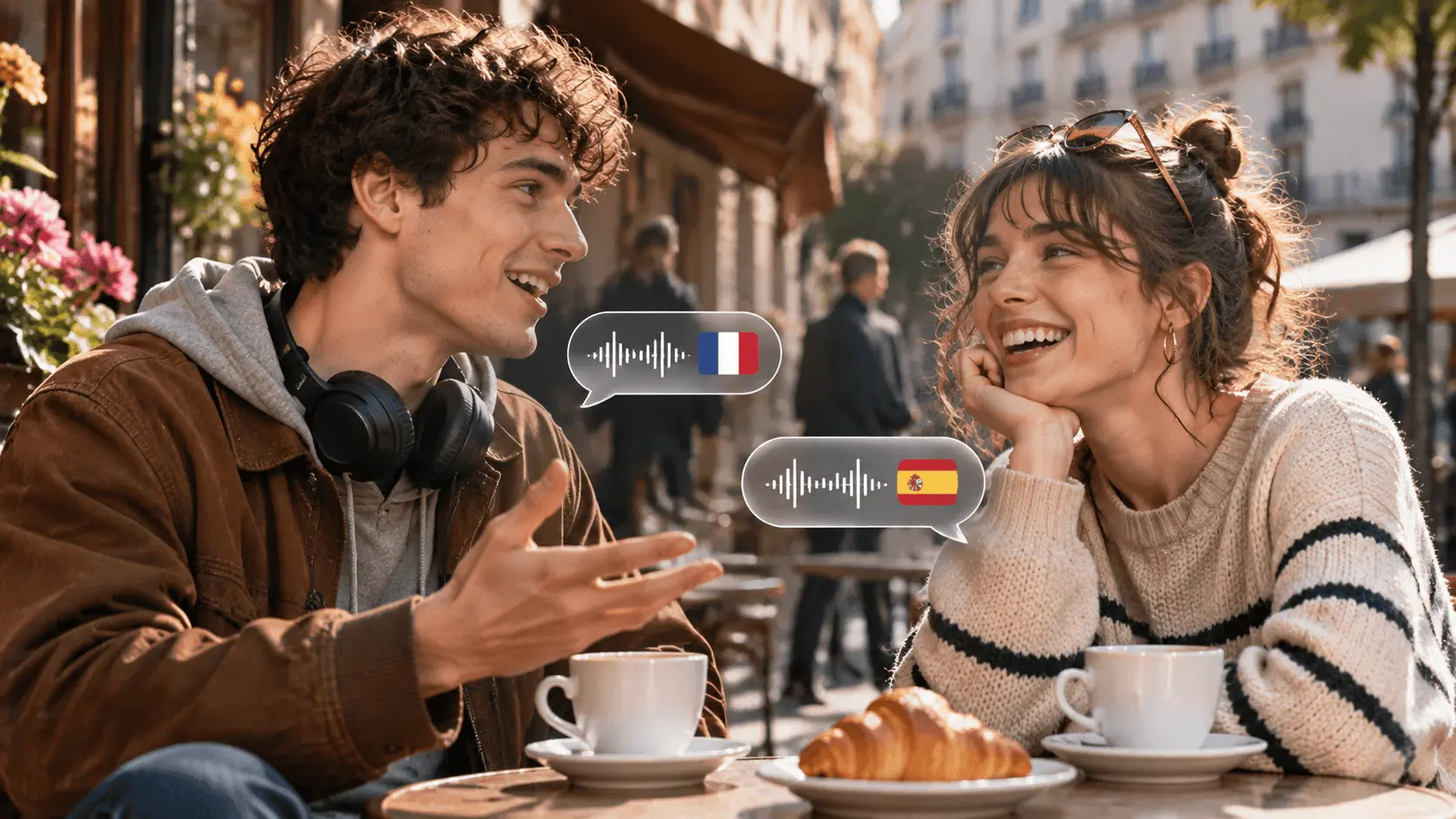
Multilingual Dialogue and Expressive Characters

Multilingual Dialogue and Expressive Characters

Build scenes with dialogue in multiple languages, natural facial expressions and sounds that match the action. Speech, character performance and environmental audio can work together to carry the moment.
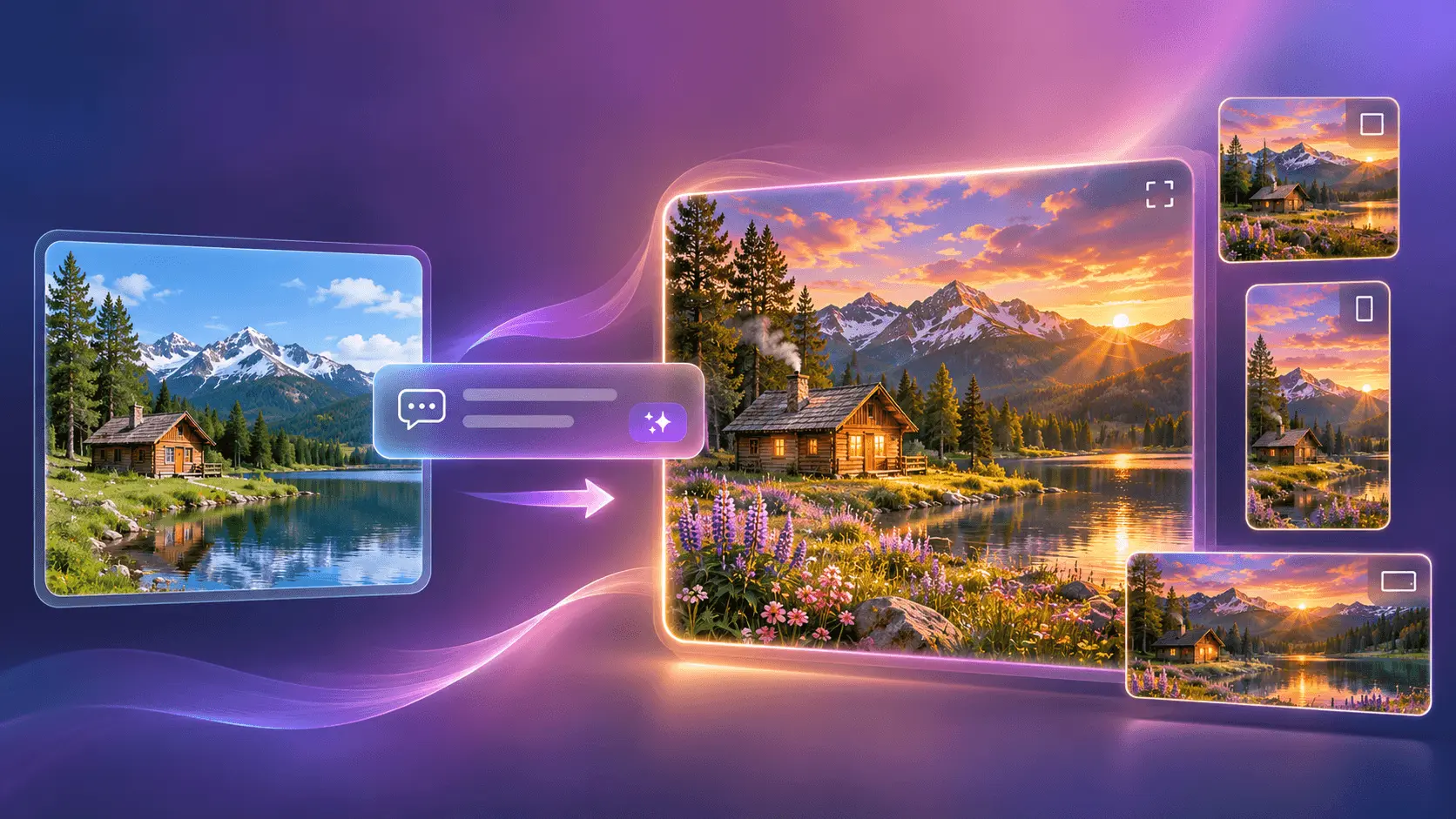
AI Image Generation and Editing

AI Image Generation and Editing

Generate images or describe changes to an existing picture in natural language. FLUX 3's image capabilities support detailed instructions, multiple resolutions and flexible aspect ratios for different compositions and creative briefs.
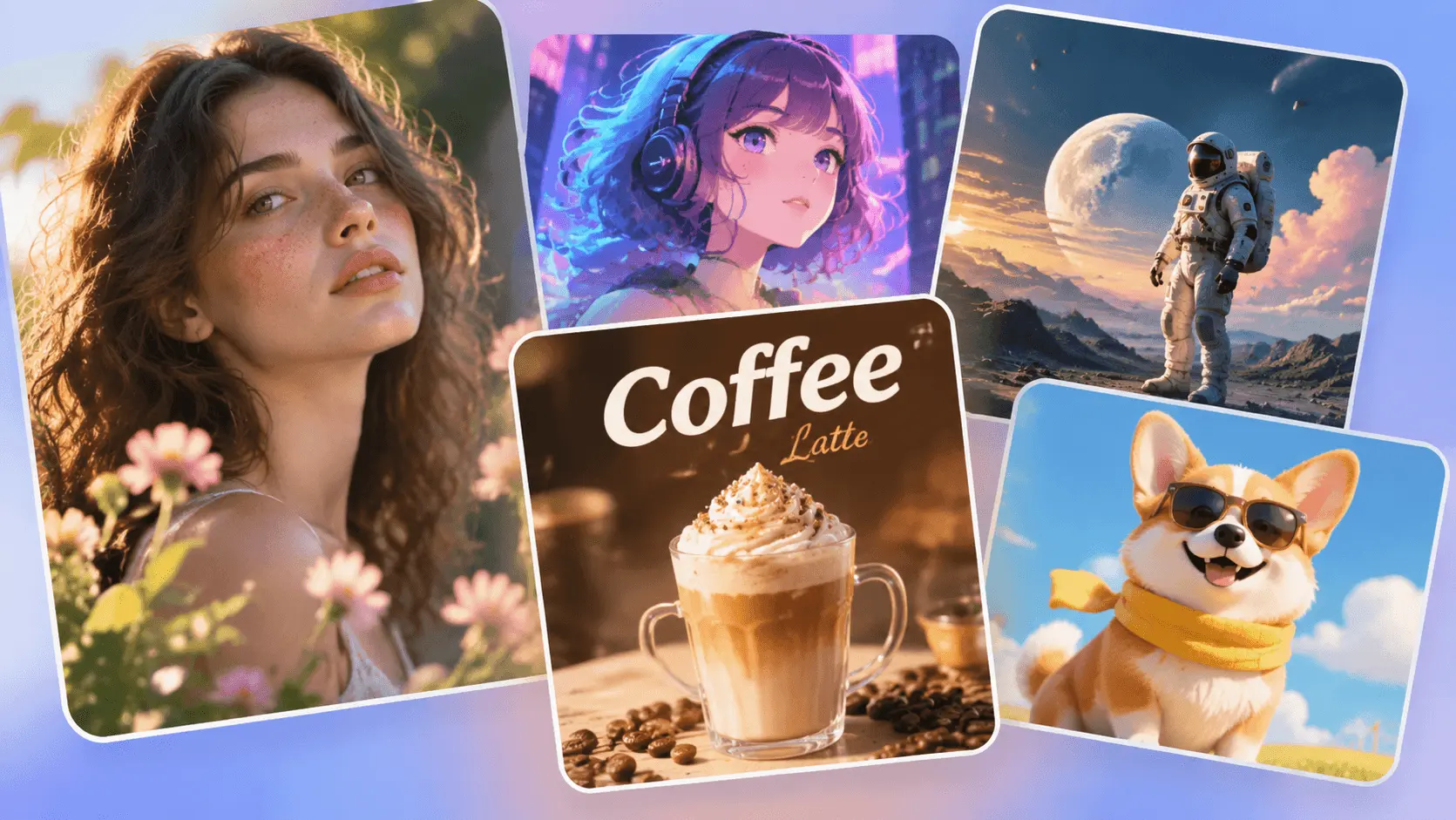
Diverse Visual Styles and Accurate Text

Diverse Visual Styles and Accurate Text

Explore photorealistic images, animation and cinematic scenes without being limited to one aesthetic. Multilingual text rendering also supports designs where the wording matters, such as posters, packaging and titles.

How to Use FLUX 3 on Nano Banana

Bring your ideas to life with FLUX 3 on Nano Banana. Follow these three steps to create images and videos.

1

Describe Your Image or Video

Describe your subject, style, colors and composition. For videos, include movement and camera direction. For example: An iced latte surrounded by floating coffee beans, warm caramel tones and soft studio lighting. For a video, slowly orbit the camera as cream swirls through the coffee.
2

Choose FLUX 3 and Generate

Select FLUX 3 and choose image or video generation. Adjust the available settings to suit your project, such as aspect ratio, resolution or video duration, then generate your creation.
3

Review, Refine and Download

Review your result and adjust your prompt to refine colors, composition or details. For videos, also check movement and camera flow. Generate again as needed, then download your favorite image or video.

Who Should Use FLUX 3

From independent creators to growing teams, explore ways to develop visual ideas, create content and bring new stories to your audience with FLUX 3.

Independent Video Creators

Plan a scene, explore a visual direction and turn a written idea into a short clip. Use reference images to guide the look of your next story.

Marketing & Brand Teams

Develop campaign concepts, product visuals and short promotional clips. Compare creative directions before deciding what to produce next.

Social Media Creators

Create visuals for posts, reels and recurring series. Adapt your ideas to different formats while giving each piece a clear, recognizable style.

Designers & Art Directors

Test compositions, build moodboards and refine images with text instructions. Explore realistic, illustrated and stylized directions as your brief evolves.

E-commerce & Product Teams

Explore new settings, backgrounds and presentation ideas for your products. Develop a concept as still imagery or a short visual demonstration.

Educators & Explainer Creators

Make abstract topics easier to picture with original illustrations and short visual sequences. Prepare supporting media for lessons, tutorials and presentations.

FLUX 3 Community Showcase

Explore FLUX 3 creations shared by the community on X.

FLUX 3 FAQs

Answers to common questions about FLUX 3 image generation, image editing, image-to-video, native audio and creative workflows on Nano Banana.

What is FLUX 3?

FLUX 3 is Black Forest Labs’ multimodal AI model for image generation, image editing and video creation with native audio. It turns text prompts and visual references into still images or moving scenes, with capabilities available through dedicated FLUX 3 Image and FLUX 3 Video products.

Can FLUX 3 generate both images and videos?

Yes. FLUX 3 Image creates and edits still images, while FLUX 3 Video generates motion and sound. Choose the image workflow for portraits, illustrations or product visuals, and the video workflow for animated scenes and visual stories. Check the selected model for the generation modes available on Nano Banana.

Can I edit an existing image with FLUX 3?

Yes. FLUX 3 Image supports editing with natural-language instructions. Describe a change to the background, lighting, clothing or another element, and specify which details to preserve. A focused edit makes it easier to compare versions and refine an image without rewriting the entire creative brief.

Can FLUX 3 turn an image into a video?

Yes. FLUX 3 Video can animate a starting image or use images as visual references. Upload a clear image, then describe the action, camera movement and any sound you want. This lets you develop a still composition into a moving scene while using the image to guide its appearance.

Does FLUX 3 generate video with sound and dialogue?

FLUX 3 Video generates native audio alongside the visuals, including speech and sounds connected to the action. Its multilingual capabilities support dialogue in different languages with synchronized lip movement. Describe the voices and sounds your scene needs, and check the selected mode for the audio controls available on Nano Banana.

How long can FLUX 3 videos be?

FLUX 3 Video supports single clips lasting up to 20 seconds. Available duration settings on Nano Banana may differ by model and generation mode. For a longer video, plan a sequence of shorter shots, reuse references for continuity and combine the clips in your video editor.

What can I create with FLUX 3?

Use FLUX 3 for product imagery, portraits, posters, stylized illustrations, animated designs and short video stories. Its range of visual styles supports both photographic and illustrated work. For designs with visible text, supply the exact wording, then review spelling, placement and legibility in the result.

How do I write a good FLUX 3 prompt?

Describe the subject, setting, visual style, lighting and composition. For video, add the sequence of actions, camera movement and any dialogue or sound. If you provide references, explain what each one should guide. For edits, state what should change and which details should stay the same.

How can I improve my FLUX 3 results?

Start with a focused brief and clear references, then review composition, text, faces and motion as relevant to your project. Change one or two instructions at a time so you can judge the effect. For complex videos, plan shorter shots and keep character descriptions consistent between clips.

Is FLUX 3 free to use on Nano Banana?

Check the credit cost displayed for the selected model before generating. Image and video jobs can use different amounts of credits, and the cost may depend on settings such as resolution or video duration. Refer to Nano Banana’s current pricing for available plans and credits.

Try FLUX 3 Video Generation Online

Experience FLUX 3 by Black Forest Labs on Nano Banana. Create multimodal AI videos with native audio using text, image and video references.

Create For Free