
GPT Image 2.6
GPT Image 2.6 is an AI image generation and editing model designed to turn detailed instructions into visual content. Explore creative compositions, natural-looking details, text-based designs and flexible image editing. Bring your ideas to life with GPT Image 2.6 on Nano Banana.You can try it on Nano Banana
Create For Free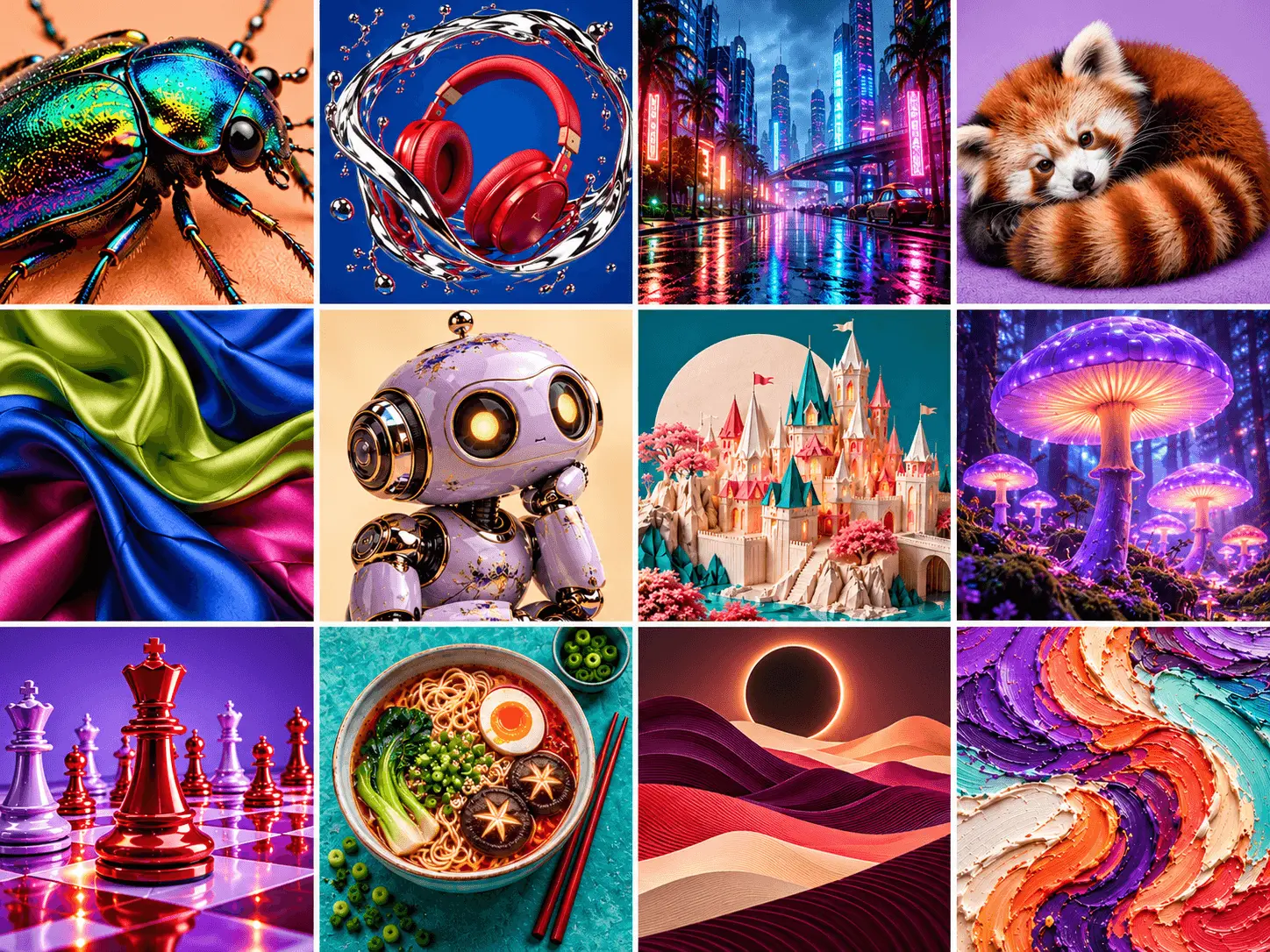
What Is GPT Image 2.6?
GPT Image 2.6 is an AI image generation and editing model from OpenAI. It helps transform natural-language instructions into visual content, allowing users to describe subjects, scenes, styles and compositions in detail. Beyond creating images from text, it can support creative editing workflows where existing visuals need to be adjusted or refined. From marketing graphics and product concepts to illustrations and realistic scenes, GPT Image 2.6 offers a flexible way to turn visual ideas into finished images. Explore GPT Image 2.6 on Nano Banana to create and edit images through a simple online workflow.
Key Features of GPT Image 2.6
Explore AI image creation and editing with a focus on prompt understanding, visual composition, detailed instructions and creative control.
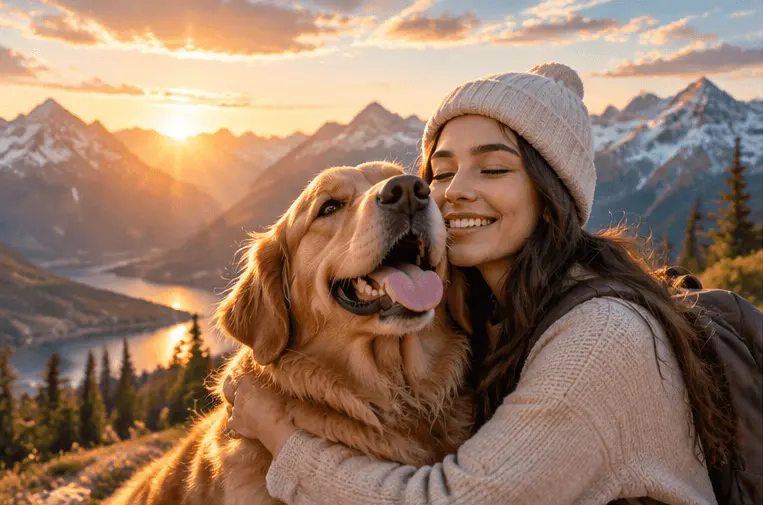
Natural Language Prompt Understanding
Describe an image using everyday language instead of complex design commands. Provide details about the subject, environment, visual style, lighting and composition to communicate your creative direction. Detailed prompts help guide the generated image toward the result you have in mind.
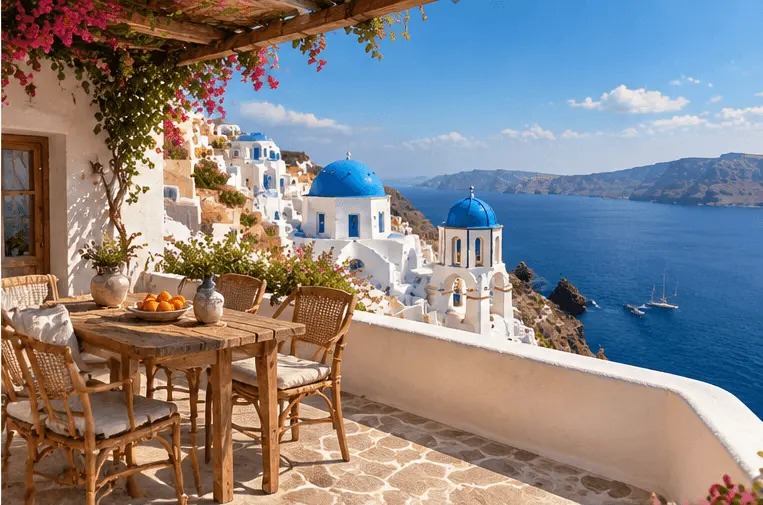
Detailed Image Composition
Build visual scenes by describing the relationship between subjects, objects and backgrounds. Guide the placement of important elements, camera perspective and overall composition to create more organized images for creative and commercial projects.
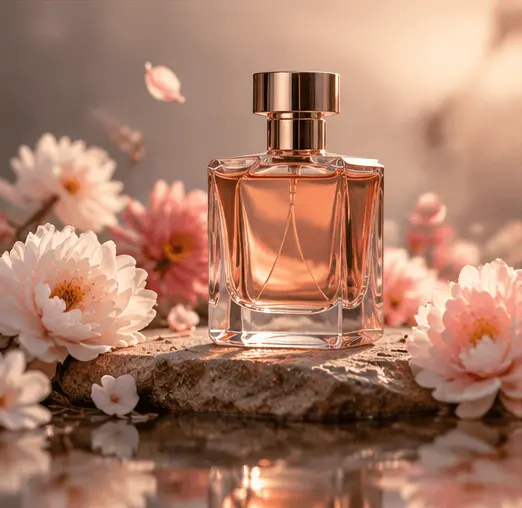
Text and Visual Design Creation
Create image-based designs that combine visual elements with written content. Describe the headline, supporting text, layout and visual hierarchy when creating posters, promotional graphics or social media content. Review the final wording and smaller details before publishing.
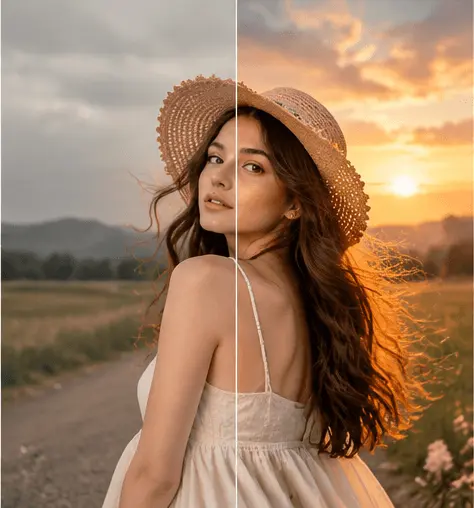
Flexible Image Editing
Use natural-language instructions to refine an existing image or explore a different creative direction. Describe the elements you want to change, such as the background, colors, objects or visual style, while identifying the details that should remain consistent.
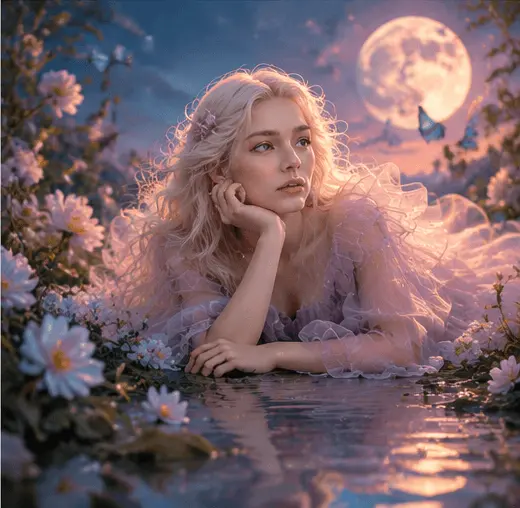
Creative Style and Visual Refinement
Explore different visual directions by describing artistic styles, color palettes, lighting and atmosphere. Refine your image through focused instructions to bring the overall appearance closer to your intended creative vision.
How to Use GPT Image 2.6 on Nano Banana
Create AI images with GPT Image 2.6 on Nano Banana in three simple steps. Describe your idea, choose your settings and refine the generated result.
Select GPT Image 2.6
Write Your Prompt or Add an Image
Generate, Refine and Download
GPT Image 2.6 vs GPT Image 2.5
Compare GPT Image 2.6 and GPT Image 2.5 across prompt following, image quality, text rendering and editing. GPT Image 2.6 is coming soon to Nano Banana.
| Feature | GPT Image 2.6 | GPT Image 2.5 |
|---|---|---|
| Prompt following | Add verified capabilities for complex instructions, object placement and composition | Add corresponding GPT Image 2.5 capabilities using the same comparison criteria |
| Image quality and detail | Add verified findings on textures, lighting, fine details and visual consistency | Add corresponding findings from matched prompts and output settings |
| Text rendering and layouts | Confirm text rendering capabilities, supported languages and layout control | Confirm the same capabilities and any documented limitations |
| Image editing | Confirm supported editing inputs, targeted changes and preservation of unchanged details | Add corresponding editing capabilities and supported inputs |
| Output options | Confirm supported resolutions, aspect ratios and export formats | Add verified resolutions, aspect ratios and export formats |
| Generation speed and credits | Add measured generation times and confirmed Nano Banana credit costs | Add generation times under comparable conditions and current credit costs |
What Can You Create with GPT Image 2.6?
Discover how GPT Image 2.6 can support everyday image creation, professional design tasks and creative visual projects.
Product Images and E-Commerce Content
Create product-focused visuals for online stores, product listings and promotional campaigns. Describe the background, lighting, composition and visual mood to develop images that present products in an appealing way.
Marketing Graphics and Advertisements
Turn marketing concepts into promotional visuals for campaigns, landing pages and digital advertisements. Guide the headline, color palette, subject placement and overall layout to communicate your message.
Social Media Images and Content
Create engaging visuals for Instagram, Facebook, Pinterest and other social platforms. Generate creative illustrations, campaign graphics and lifestyle imagery that fit different content themes and formats.
Posters and Graphic Design
Develop poster concepts, event graphics and visual layouts by combining descriptive prompts with clear design instructions. Explore different compositions, typography directions and color combinations for your project.
Realistic Scenes and Illustrations
Bring imaginative ideas to life through realistic scenes, digital illustrations and creative compositions. Describe the subjects, environment, atmosphere and artistic direction to shape your desired visual style.
Image Editing and Creative Variations
Rework existing images, explore alternative backgrounds and adjust visual elements through natural-language instructions. Create multiple creative directions and refine the details of a selected concept.
FAQs About GPT Image 2.6
Find answers to common questions about GPT Image 2.6, its image generation capabilities and how to use it on Nano Banana.
What is GPT Image 2.6?
What can I create with GPT Image 2.6?
What is the difference between GPT Image 2.6 and GPT Image 2.5?
Can GPT Image 2.6 generate images from text prompts?
Can I edit existing images with GPT Image 2.6?
Can GPT Image 2.6 create images with text?
How do I write a good GPT Image 2.6 prompt?
Is GPT Image 2.6 better than GPT Image 2.5?
Can I use GPT Image 2.6 online for free?
How can I use GPT Image 2.6 on Nano Banana?
Explore New Creative Possibilities with GPT Image 2.6
Turn detailed ideas into images, explore different visual styles and refine your creations with GPT Image 2.6. Start creating on Nano Banana and bring your next visual project to life.
Create For Free