
Qwen Image
Create high-quality AI images with accurate text, rich layouts, realistic details, and flexible image editing. Qwen Image is built for everything from posters and product visuals to infographics and creative design.You can try it on Nano Banana
Try Qwen Image Now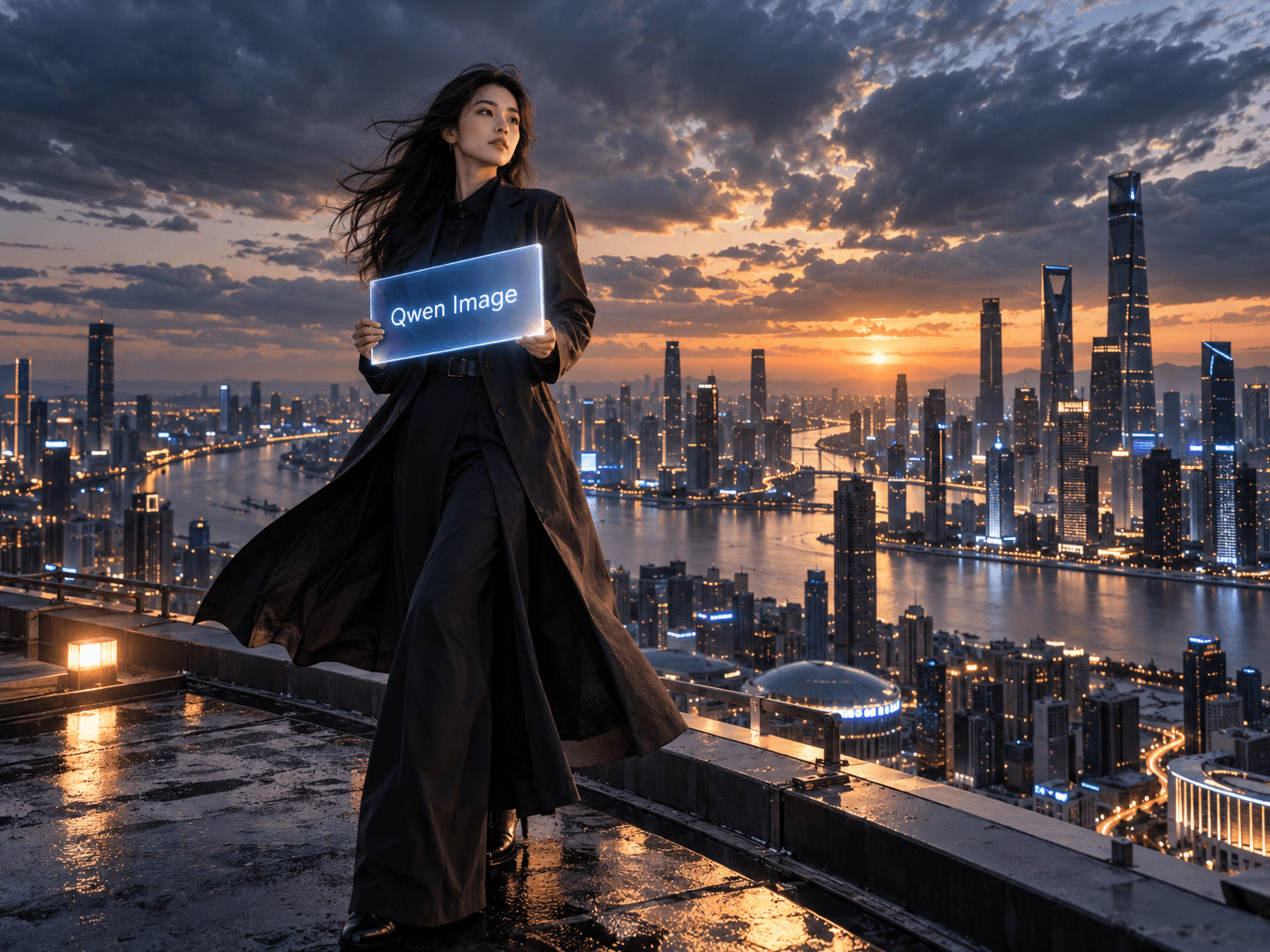
Introducing Qwen Image
Qwen Image is an AI image generation and editing model from the Qwen family, designed for detailed visual creation, accurate text rendering, complex layouts, and realistic image editing. The latest Qwen Image 3.0 expands these capabilities with support for prompts up to 4.5K tokens, text as small as 10px, native rendering across 12 languages, and information-rich visuals such as posters, storyboards, interfaces, diagrams, and educational content.
Why Choose Qwen Image?
Qwen Image combines efficient generation, transparent image support, flexible editing, and refined visual quality for a wide range of creative workflows.

Compact and Efficient
Generate high-quality images efficiently with a lightweight architecture and optimized inference designed to balance visual quality, speed, and computational cost.
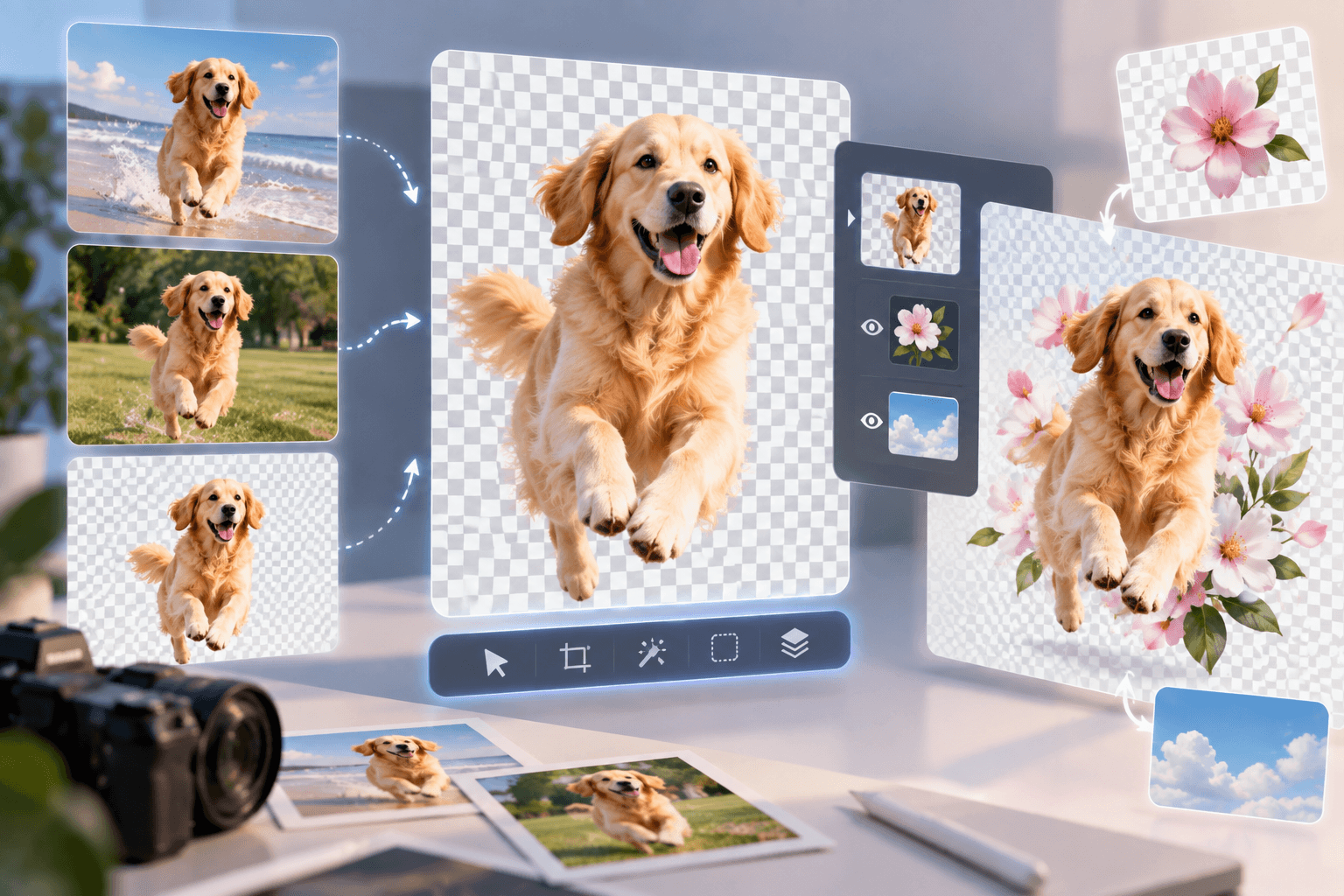
Native Transparency
Create regular or transparent images directly from prompts, edit transparent layers, and extract subjects from existing photos for more flexible design workflows.
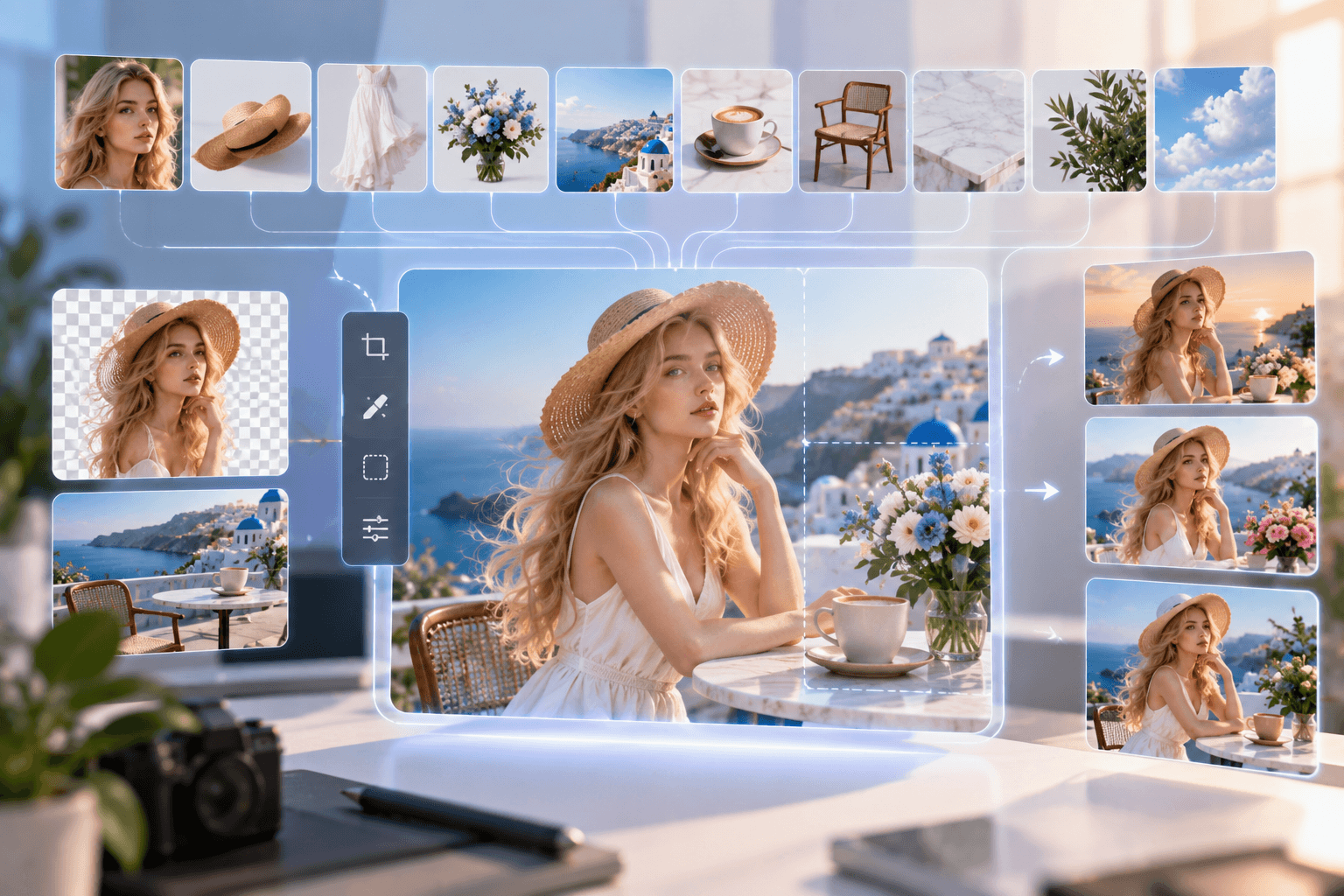
Versatile Image Editing
Use up to 10 reference images, make precise local edits, and preserve important people, products, and visual details across a wide range of editing tasks.
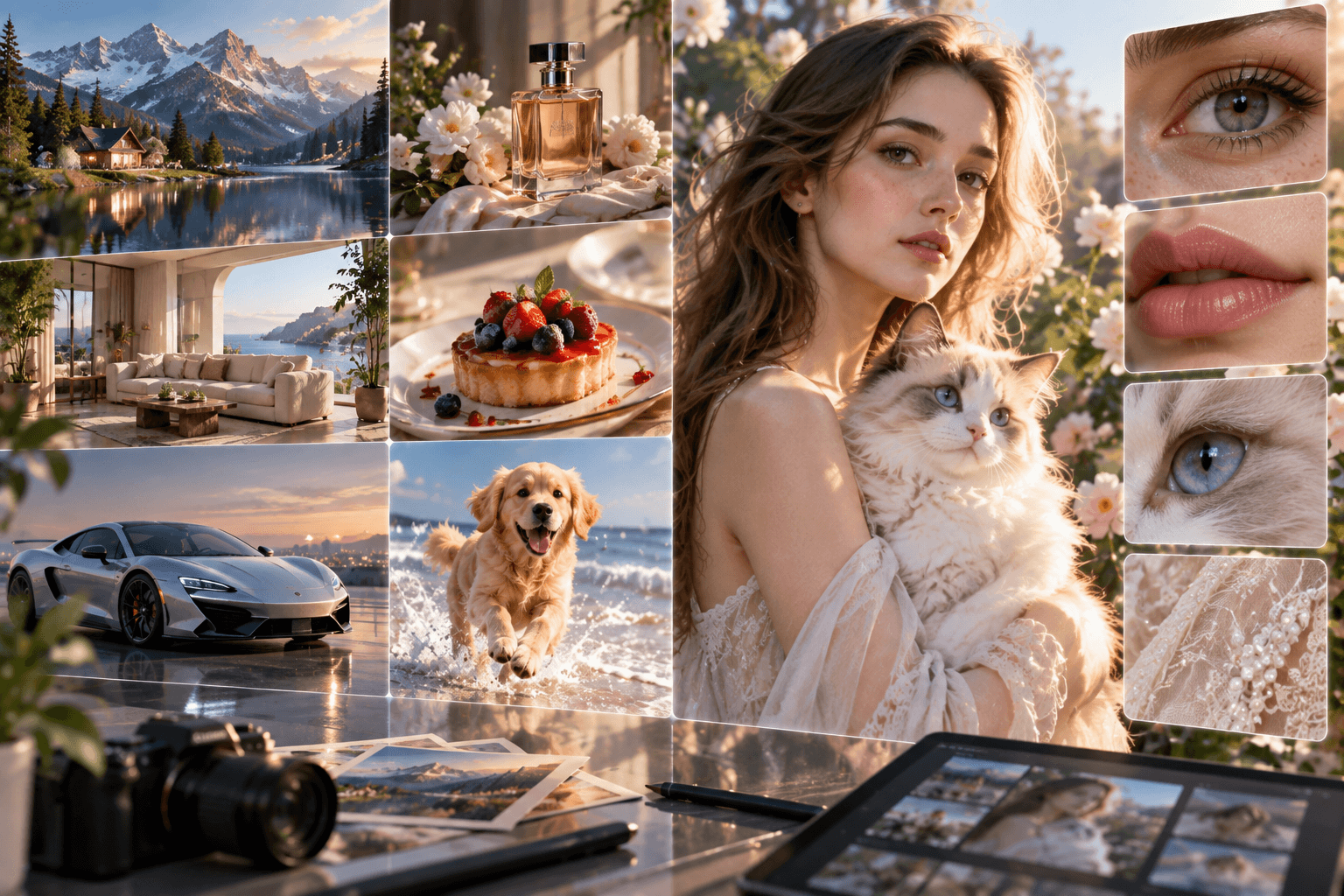
Realistic Details and Refined Aesthetics
Create more polished visuals with improved typography, natural portrait lighting, realistic textures, and finer details across people, products, and complex scenes.
How to Create Images with Qwen Image
Turn your ideas or reference images into detailed visuals in three simple steps.
Describe Your Image
Select Qwen Image
Generate and Refine
Qwen Image 3.0 vs Qwen Image 2.0
Qwen Image 3.0 extends the strengths of Qwen Image 2.0 with longer prompt support, finer text rendering, richer layouts, broader multilingual capabilities, and stronger performance on information-dense visual tasks.
| Feature | Qwen Image 3.0 | Qwen Image 2.0 |
|---|---|---|
| Positioning | Designed for rich, realistic, and information-dense image generation | Unified image generation and editing with strong typography and visual quality |
| Prompt Length | Supports instructions up to 4.5K tokens for highly detailed compositions | Supports long instructions up to 1K tokens for professional visual layouts |
| Text Rendering | Handles dense typography and text as small as 10px in complex visual compositions | Strong long-form typography for posters, presentations, comics, and infographics |
| Complex Layouts | Built for newspapers, storyboards, exam papers, nested interfaces, diagrams, and other information-rich layouts | Strong for posters, presentations, infographics, marketing graphics, and structured designs |
| Languages | Native visual text rendering across 12 languages | Strong multilingual and typography capabilities for common creative workflows |
| Image Quality | Focuses on realistic micro-details, rich content, and highly structured visual information | Native 2K generation with strong photorealism, semantic adherence, and detailed output |
| Best For | Text-heavy graphics, complex infographics, storyboards, interfaces, education, diagrams, and information-dense visuals | General image generation, image editing, posters, marketing content, photorealistic visuals, and established creative workflows |
Best Use Cases for Qwen Image
Qwen Image works especially well for visual projects that combine detailed imagery, accurate text, structured layouts, and flexible editing.
Posters & Advertising
Create promotional posters, social ads, campaign graphics, and branded visuals with detailed layouts and clearer embedded text.
Infographics & Diagrams
Turn complex information into structured infographics, educational diagrams, charts, explainers, and knowledge-rich visual content.
Product Visualization
Generate polished product concepts, packaging designs, promotional images, and lifestyle compositions with realistic materials and fine details.
UI & Interface Concepts
Create web pages, app interfaces, dashboards, game screens, livestream layouts, and other interface concepts with structured visual hierarchy.
Storyboards & Creative Design
Build storyboards, comics, scene concepts, illustrations, and multi-panel compositions for video production and creative development.
Image Editing
Refine existing images by changing text, subjects, layouts, colors, or visual elements while preserving important parts of the original composition.
X Posts About Qwen Image
Explore how creators are using Qwen Image for typography, complex layouts, realistic visuals, infographics, product design, and AI image editing.
Qwen Image FAQs
Learn what Qwen Image can do, how Qwen Image 3.0 improves visual generation, and how to use it for image creation and editing.