

E-commerce Product Photos
Improve the clarity of product images for online stores, product listings and catalogs. Refine visible textures and edges so customers can see important product details more clearly.
Turn low-resolution images into clearer, more detailed visuals with AI. Upload a photo and let Nano Banana enhance its resolution, refine textures and improve image clarity. Whether you are preparing product photos, restoring old pictures or making images ready for larger displays, create enhanced visuals with a simple online workflow.
Free Online AI Image Upscaler
Drag or click to upload up JPG, PNG, or WEBP images
An AI image upscaler is an online tool that increases image resolution while improving the appearance of visual details. Instead of simply stretching existing pixels, AI-powered upscaling analyzes image patterns, edges and textures to reconstruct additional details when enlarging a picture. This helps reduce the appearance of pixelation and blur, making images look clearer at larger sizes. With Nano Banana, you can upload an existing photo, enhance its quality and download an improved version for your creative or professional projects.
Improve the clarity and resolution of your images with Nano Banana's AI Image Upscaler. From enlarging small pictures to refining textures and sharpening important details, AI-powered enhancement helps make images more suitable for different creative needs. Upload your original image, explore the available enhancement settings and create a higher-quality version without complicated manual editing.
Make small images more usable by increasing their resolution with AI. Traditional image resizing stretches existing pixels, which can make an image look blurry or pixelated when enlarged. AI image upscaling analyzes the original composition and visual patterns to reconstruct additional details. This helps produce a clearer result for websites, presentations, digital content and other projects where image size and clarity matter.
Try AI Image Upscaler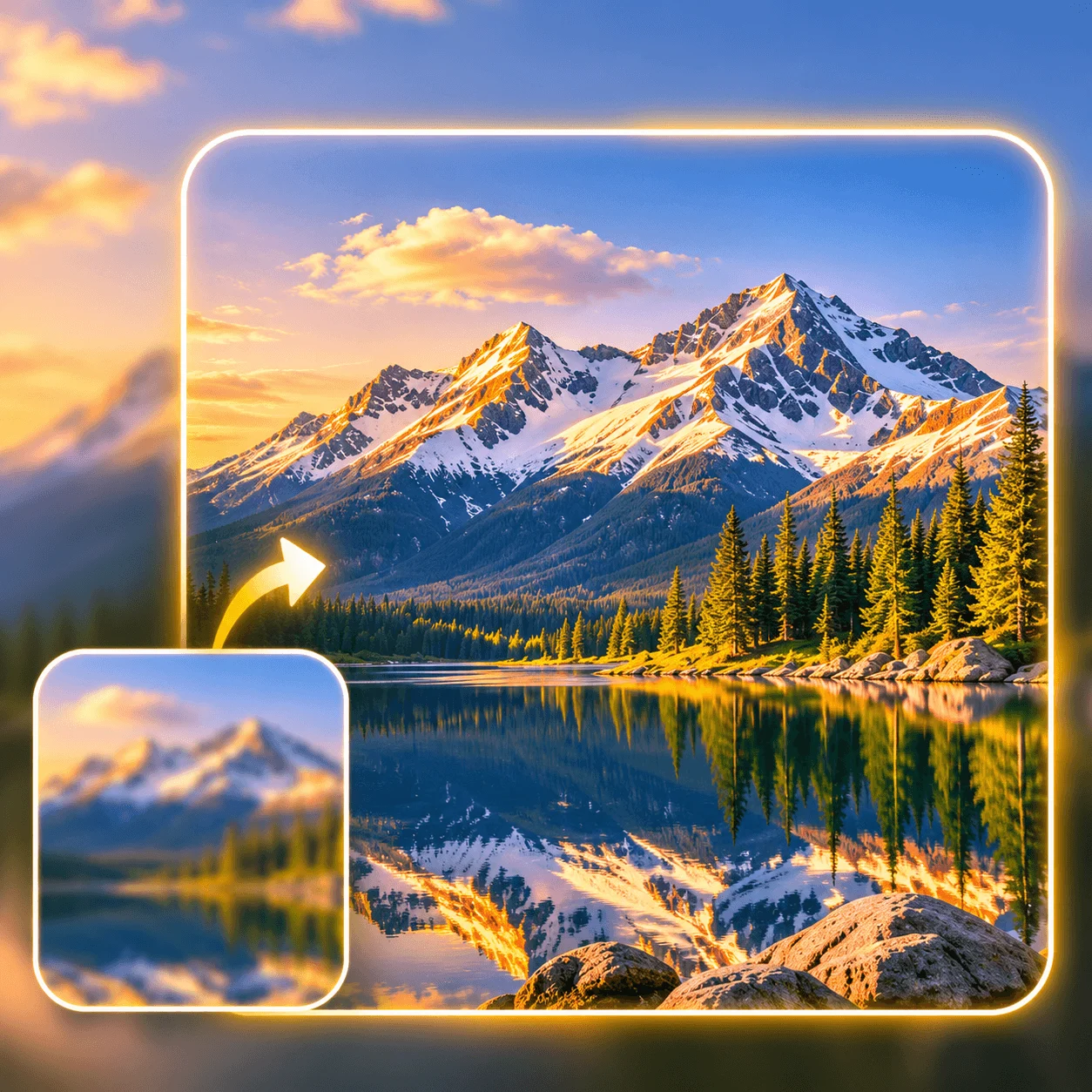
Bring more definition to images that appear soft, blurry or lack detail. AI-powered enhancement can refine edges, textures and visual patterns to improve the overall appearance of a photo. Make important elements easier to see while keeping the original composition and visual direction. Whether you are working with everyday photos or professional images, review the enhanced result at full size to check the details that matter.
Enhance Image Quality
Improve the appearance of portraits, headshots and personal photos with AI image enhancement. Refine facial details, hair textures and other visual elements that may appear unclear in a low-resolution image. AI upscaling can help make portraits look more defined when displayed at larger sizes. For the most natural result, compare facial features, skin texture and other important details with the original photo.
Upscale Portraits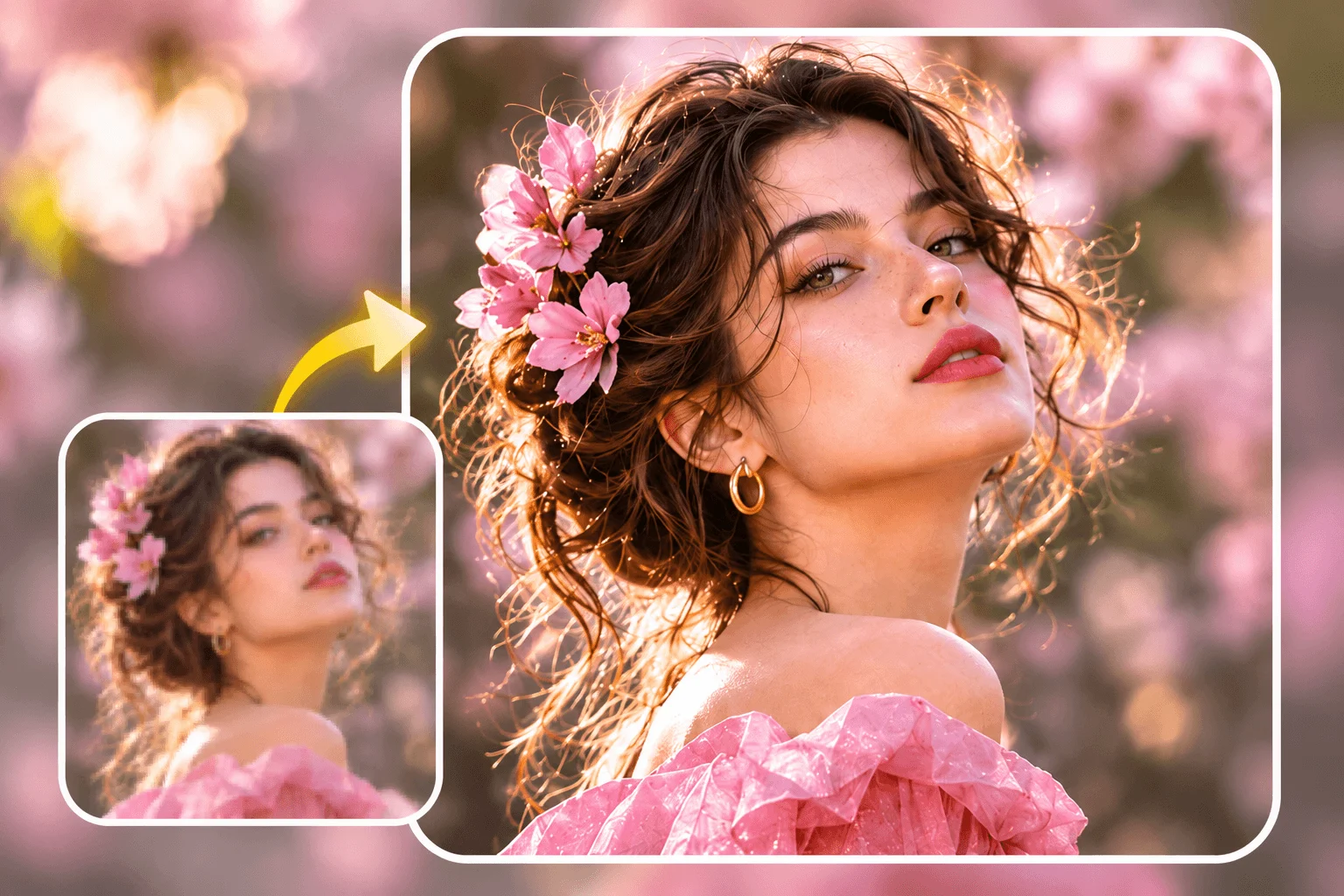
Give product photos a clearer appearance for online stores, catalogs and marketing materials. AI image upscaling can refine visible textures, product edges and smaller visual details, helping enlarged product images look more polished. It is useful when preparing existing product photography for larger displays or updating older images for a new campaign. Always review product labels, proportions and fine details to ensure the enhanced image accurately represents the original item.
Enhance Product Photos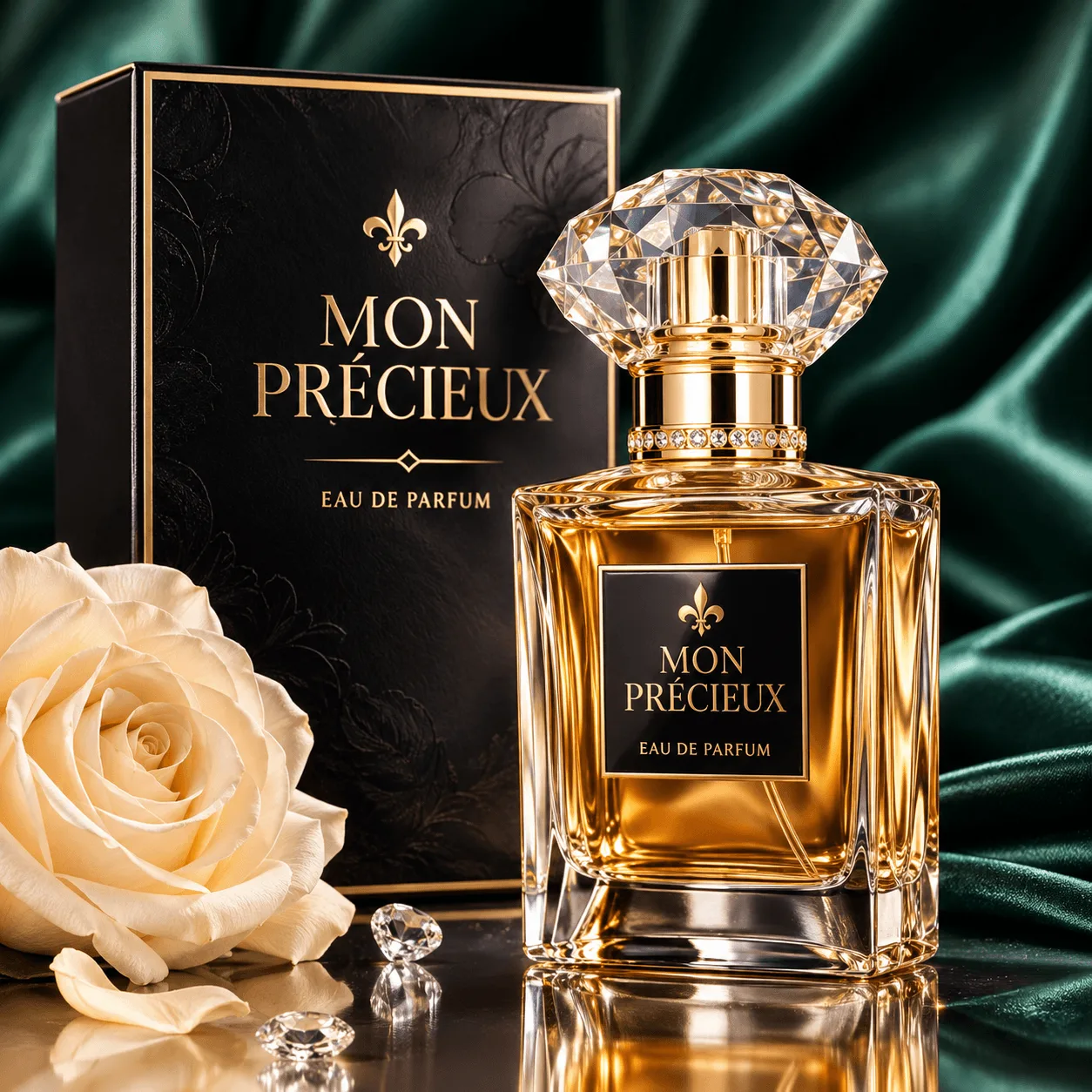
Enlarge illustrations, digital artwork, graphics and other visual assets while improving their overall clarity. Low-resolution graphics can lose definition when resized for websites, presentations or larger layouts. AI-powered upscaling helps refine edges, patterns and visual structures, making existing artwork easier to reuse across different digital projects. Check fine lines, typography and small design elements after processing to make sure the final image meets your requirements.
Upscale Digital Images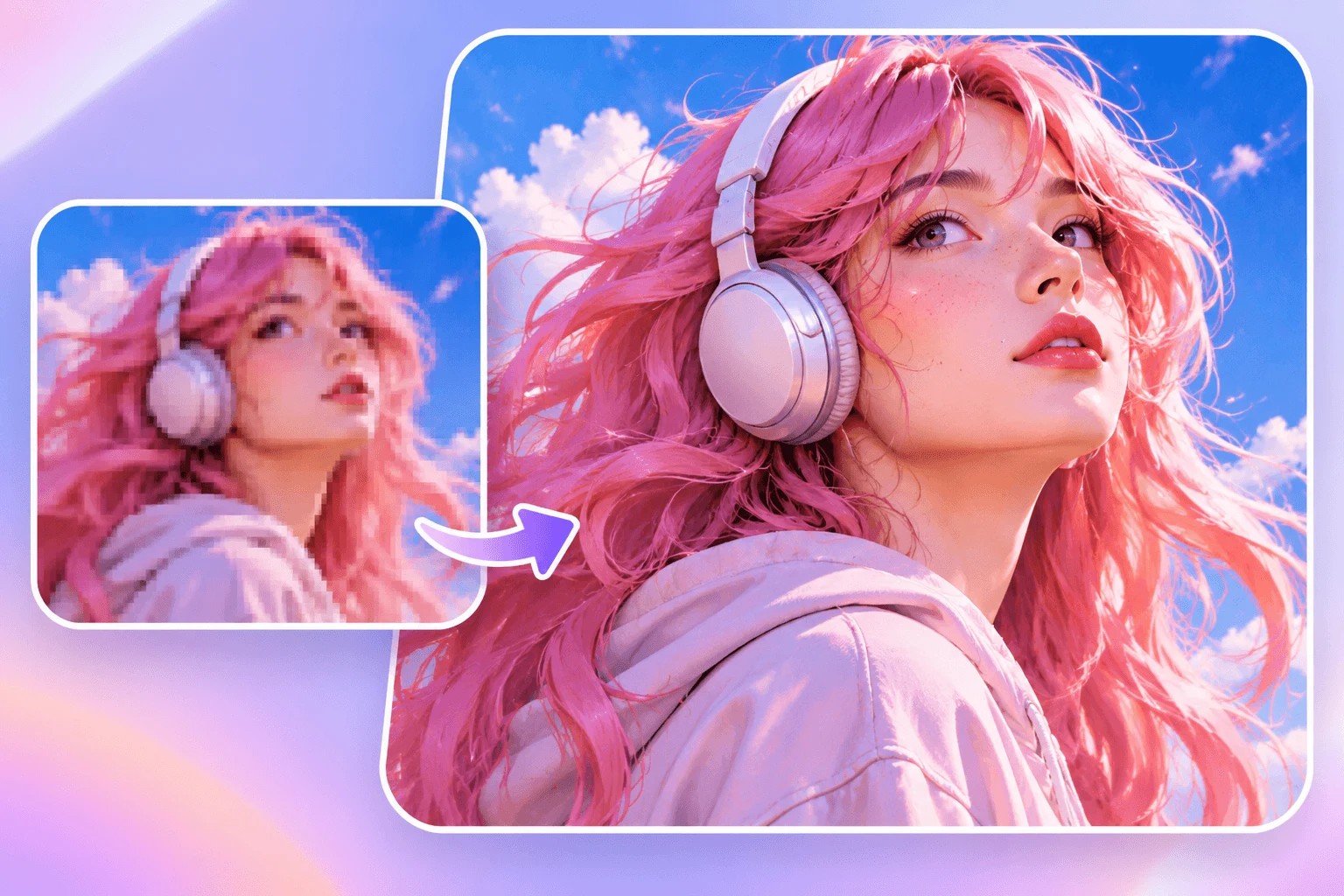
Enhance image resolution in a few simple steps. Upload your original photo, choose the available settings and let AI improve its visual quality.
Open Nano Banana's AI Image Upscaler and upload the image you want to enhance. Choose a JPG, JPEG, PNG or WEBP file supported by the uploader. For better results, start with the clearest available version of your original image.
Select an available image model and output settings in the workspace. Review the displayed resolution options and credit cost before generating. The AI will analyze your image and process its visual details to create an enhanced version.
Open the generated result and compare it with your original image. Check important details such as facial features, textures, edges and text to make sure the result looks natural. When you are satisfied, download your upscaled image and use it in your project.
Different image problems require different kinds of enhancement. Understand how AI upscaling can help improve common image quality issues and what to check in the final result.
| Image Type or Issue | How AI Upscaling Helps | What to Check |
|---|---|---|
| Low-Resolution Images | Increases image dimensions and reconstructs visual details to make enlarged images look clearer. | Check whether edges, textures and small objects remain well-defined. |
| Blurry or Soft Photos | Refines the appearance of edges and textures to improve perceived sharpness. | Review facial features, object boundaries and fine textures for unnatural changes. |
| Portrait Photography | Helps refine facial details, hair textures and other visible elements in portraits. | Check skin texture, eyes, hair and facial proportions against the original. |
| Product Photography | Improves the appearance of product edges, surface textures and smaller visual details. | Check product labels, colors, shapes and important commercial details. |
| Digital Artwork and Graphics | Helps enlarge illustrations and graphic assets while refining patterns and visual edges. | Review typography, fine lines, borders and other design elements. |
From everyday photos to professional visual assets, AI image upscaling helps make existing images more suitable for different projects and display sizes.
Improve the clarity of product images for online stores, product listings and catalogs. Refine visible textures and edges so customers can see important product details more clearly.
Enhance photos and graphics before sharing them on social platforms. Make existing images clearer for posts, profile visuals, promotional content and digital campaigns.
Prepare existing visual assets for advertisements, banners and promotional materials. Improve image resolution when adapting campaign graphics for different display sizes.
Enlarge illustrations, artwork and design assets while refining visual details. Make older or smaller source images more practical for creative layouts and presentations.
Improve images used in reports, presentations, educational materials and business documents. Make visual content clearer when it needs to appear at a larger size.
Give older digital photos a clearer appearance by improving visible details and reducing the appearance of softness or pixelation. Keep the original image so you can compare the enhanced version.
Learn about supported images, output resolution, credits and reviewing your enhanced results.
It is a tool that increases image resolution and uses AI to infer additional visual detail. Nano Banana helps enlarge existing photos and graphics while refining the appearance of edges and textures.
Ordinary resizing mainly stretches or interpolates existing pixels. AI upscaling also analyzes visual patterns to estimate details, which can make an enlarged image look clearer. These details are generated estimates, not a recovery of the original scene.
Yes. Upload a portrait, product photo, illustration or another supported image. Start with the clearest source available and keep the original for comparison.
The uploader accepts JPG/JPEG, PNG and WEBP. Check the file-size and image limits shown in the workspace before uploading.
Available output resolutions depend on the selected model and its settings. Review the options displayed in the workspace; not every model supports the same image sizes.
It can improve the appearance of soft edges, pixelation and unclear textures. Results depend on the source and model. AI cannot guarantee an accurate recovery of details that are missing from the original.
AI enhancement can change fine details. Compare faces, lettering, product labels, colors and proportions with the original at full size before using the result.
Sign in to generate an enhanced image. Generations use credits; any introductory credits depend on your account and the current offer. Review the displayed credit cost and your balance before creating.
Yes, you can select another available model in the workspace. Resolution options, input limits and credit costs may differ, so check the selected settings before processing.
Open the result in your creations, inspect the details and use Download to save it. Keep your source image so you can compare versions or try different settings later.
Upload a photo or illustration, choose your settings and create a clearer, larger version with Nano Banana. Review the details, then download the result that works for you.
Upscale Image For Free