
Seedream 5.5
Seedream 5.5 is ByteDance’s AI image model for creating transparent assets, detailed graphic layouts and realistic portraits. Refine individual details and shape the lighting to bring your ideas into focus. Coming soon to Nano Banana.You can try it on Nano Banana
Create For Free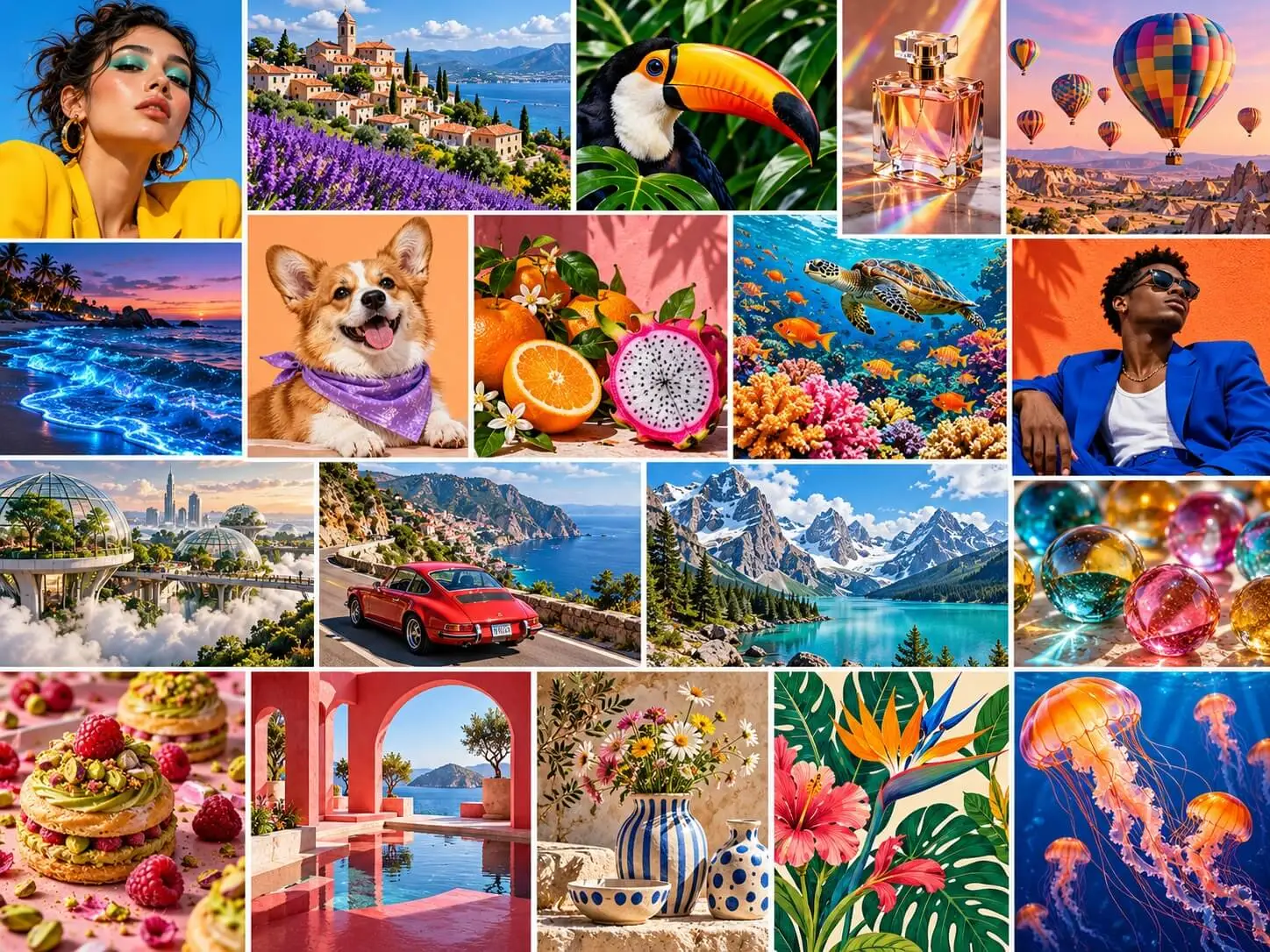
What Is Seedream 5.5?
Seedream 5.5 is ByteDance’s AI image generation and editing model for turning creative ideas into detailed visuals. It combines transparent RGBA output, targeted editing, text rendering, realistic portraits and lighting control. Create isolated design assets, compose promotional graphics or refine an existing image with natural-language instructions. From the overall composition to the details of a surface or expression, Seedream 5.5 gives you more ways to shape the image around your brief.
Key Features of Seedream 5.5
Create images with a clear visual direction, then refine the details that matter—from transparent materials and typography to expression and lighting.
Transparent RGBA Image Generation
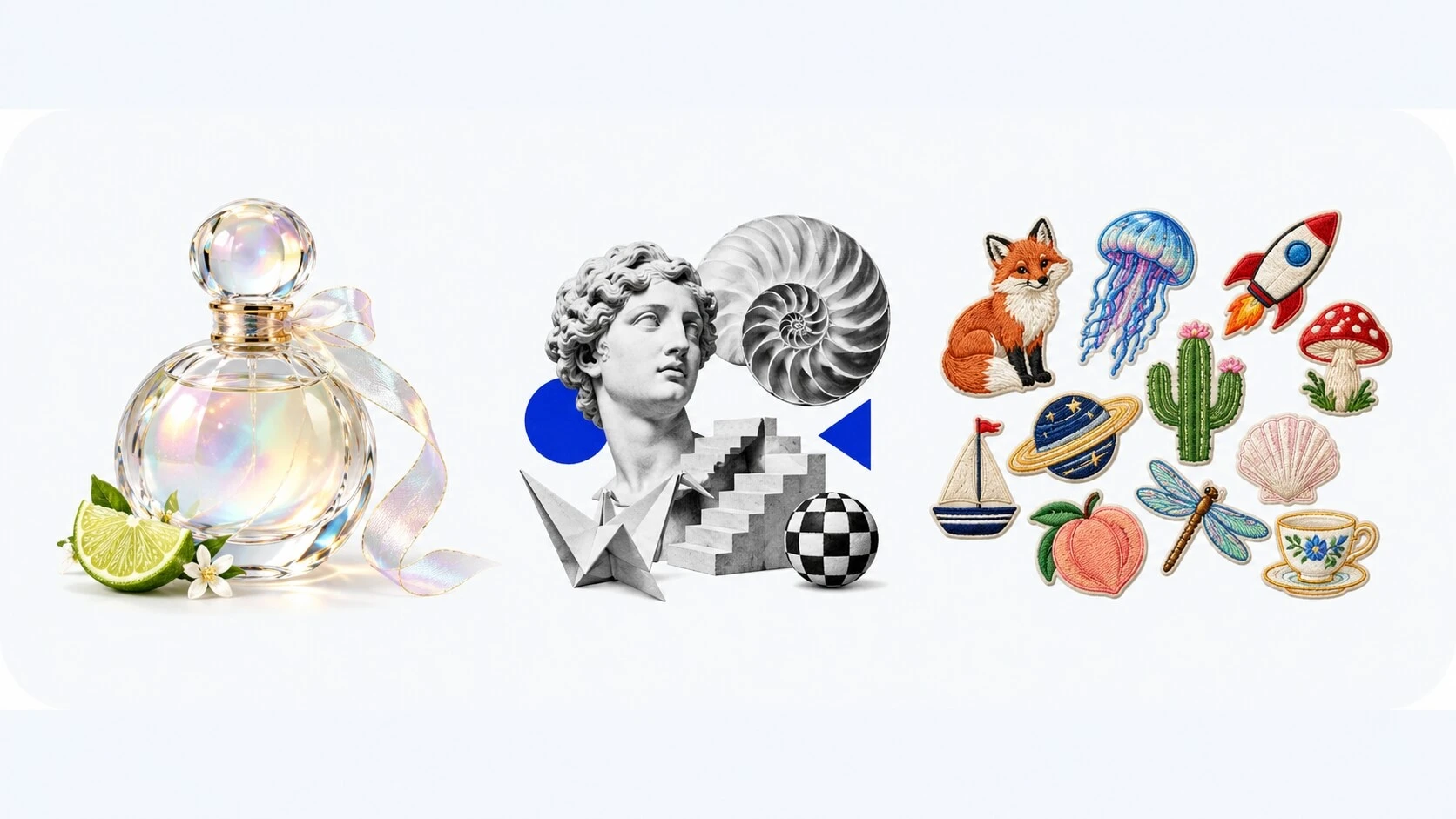
Create isolated objects, stickers and decorative elements with transparent backgrounds. RGBA output also supports semi-transparent materials, making it useful for glass, translucent surfaces and layered compositions. Build assets that fit naturally into banners, product layouts and other designs.
Precise Edits Across Multiple Revisions
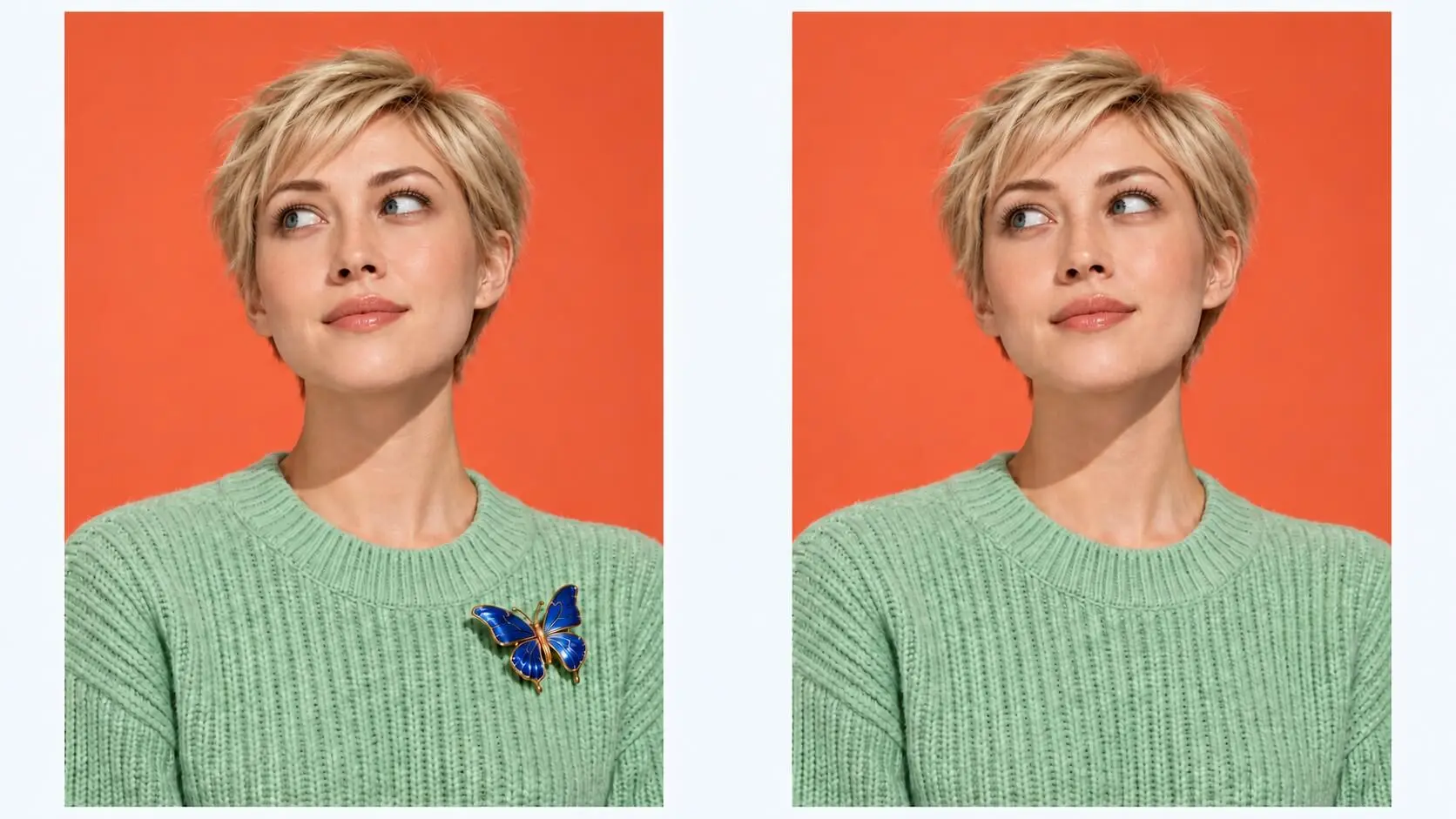
Change a color, replace an accessory or refine a material with focused instructions. Seedream 5.5 supports local edits across successive revisions, helping you develop an image while retaining its overall direction. Specify what should change and which surrounding details should stay.

Detailed Text and Graphic Layouts
Bring text and imagery together in posters, infographics and multi-panel designs. Specify the wording, hierarchy and placement to guide the composition. Create layouts with a clear focal point, readable information and a visual style that fits your message.
Realistic Portraits with Natural Detail
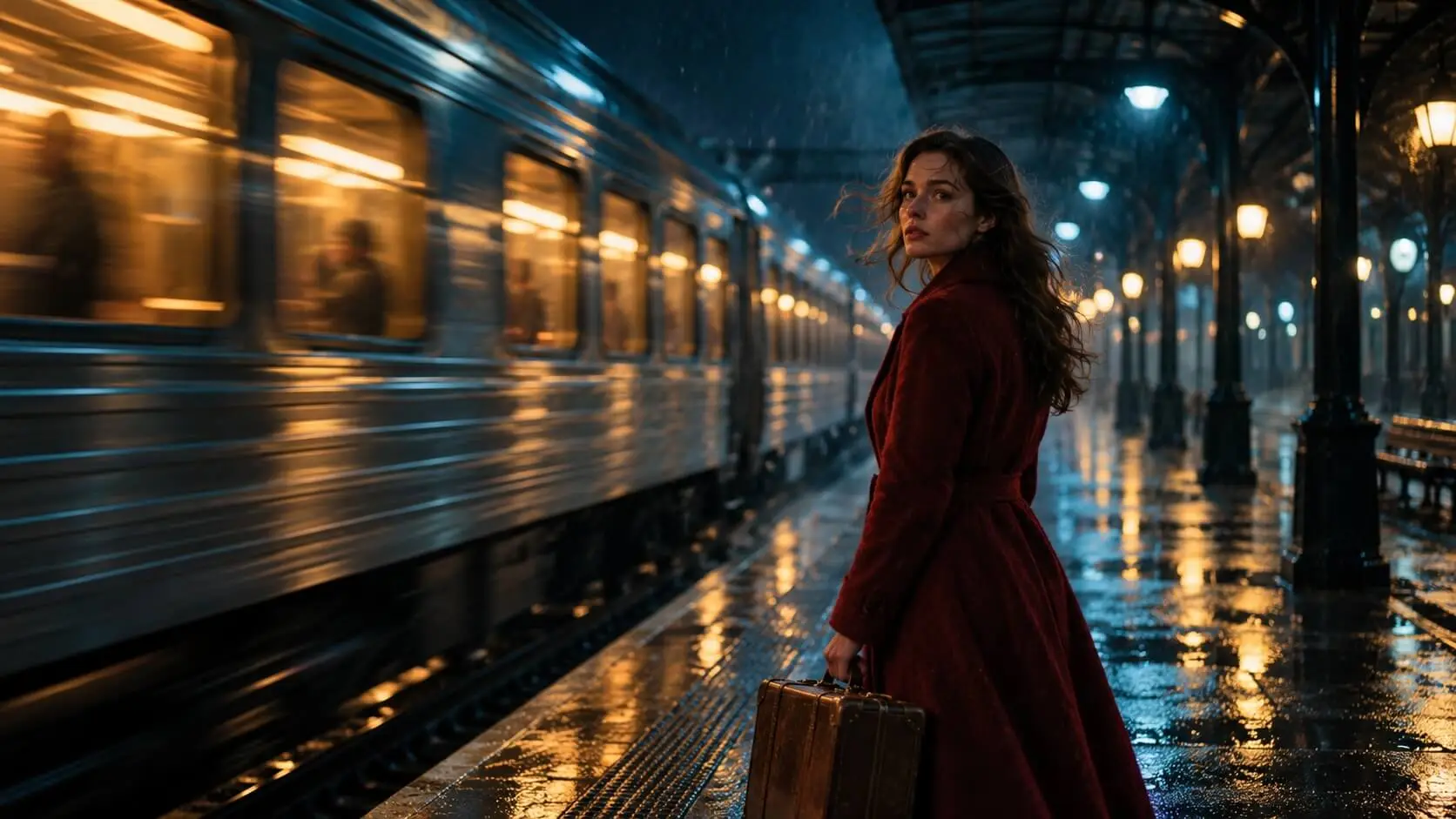
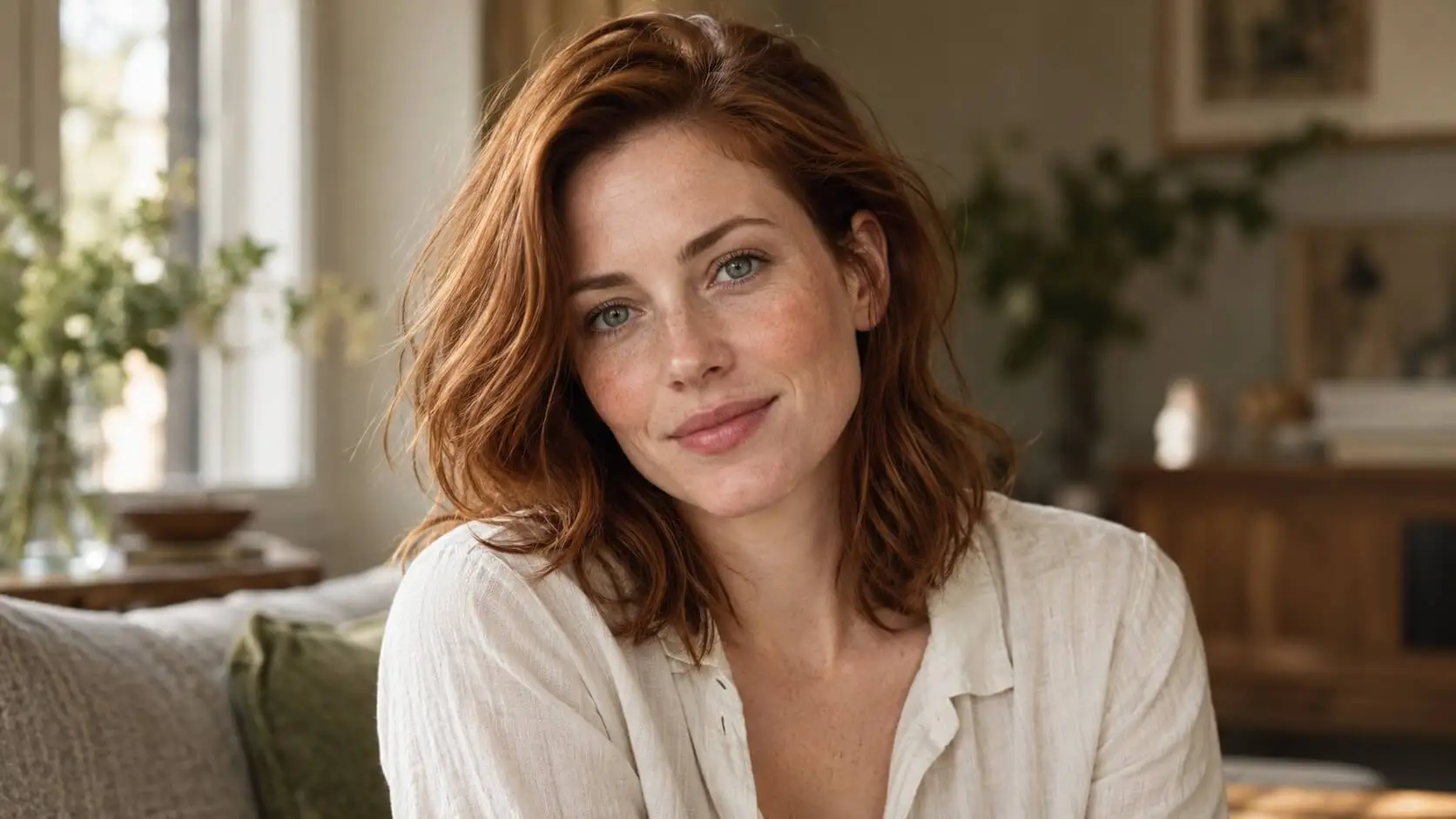
Create expressive portraits with lifelike facial features, natural skin texture and convincing photographic detail. Guide the pose, expression and framing to suit the mood, from a relaxed lifestyle image to a close editorial portrait. Refine individual details while keeping the person recognizable.
Lighting Control for Mood and Depth
Shape the atmosphere with soft window light, directional shadows or cinematic highlights. Guide the light direction, warmth and contrast to bring out facial contours, surface textures and depth. Explore different lighting treatments for portraits, products and more elaborate scenes.
How to Create with Seedream 5.5
Seedream 5.5 is coming soon to Nano Banana. Once released and available on the platform, follow these three steps to create and refine your images.
Choose the Model
Add Your Prompt and References
Generate, Refine and Save
What Can You Create with Seedream 5.5?
Explore practical ways to use image generation and editing for product visuals, brand design, social content and portraits.
Product Images and E-Commerce Visuals
Create product compositions for catalog pages, seasonal campaigns and promotional banners. Explore new backgrounds, materials and lighting while using clear references to guide the product’s appearance.
Transparent Assets for Brand Design
Develop isolated objects, stickers and decorative elements for packaging concepts, presentations and digital layouts. Use transparent backgrounds to place assets into different compositions with greater flexibility.
Social Media and Campaign Graphics
Turn a campaign idea into a visual with a clear subject, headline and color palette. Explore coordinated variations for different placements while keeping the core creative direction consistent.
Posters, Infographics and Text Layouts
Combine approved copy with illustrations and imagery to create organized visual content. Guide the reading order, section layout and text placement for promotional posters or explanatory graphics.
Editorial and Lifestyle Portraits
Develop portraits around a specific expression, pose, outfit and atmosphere. Explore natural daylight, studio lighting or a cinematic treatment to give the image a distinct photographic mood.
Creative Variations and Design Refinements
Compare different colors, accessories, materials or lighting treatments around the same concept. Use targeted edits to explore alternatives and refine a selected direction without rebuilding the entire brief.
Frequently Asked Questions
Learn about Seedream 5.5’s image generation, editing, transparent assets and creative workflows.
What is Seedream 5.5?
What can I create with Seedream 5.5?
Can Seedream 5.5 generate transparent backgrounds?
Can I edit one part of an image?
Can Seedream 5.5 create images with text?
Can Seedream 5.5 create realistic portraits?
How can I control the lighting?
What should I include in a Seedream 5.5 prompt?
What resolution and settings can I use?
Can I use Seedream 5.5 on Nano Banana?
Explore Seedream Models
Bring your next image idea to life with Seedream 5.5
Explore transparent assets, detailed layouts and realistic portraits, then refine the details and lighting to match your vision. Seedream 5.5 is coming soon to Nano Banana.
Create For Free