
Seedance 2.5 Flash
Turn your next idea into motion with ByteDance’s faster, lower-cost video model. Explore cinematic clips at 480p or 720p, try different creative directions and spend less time waiting between takes.You can try it on Nano Banana
Try Seedance 2.5 FlashWhat Is Seedance 2.5 Flash?
Seedance 2.5 Flash is the speed-focused model in ByteDance’s Seedance 2.5 family, built for exploring a shot before committing to a final direction. Start with a prompt or guide the scene with image, video and audio references. Create a first take, then try a different camera move, pace or product reveal. With 480p and 720p output and clips from 4 to 30 seconds, Flash helps creators compare more ideas while the brief is still fresh.
Key Features of Seedance 2.5 Flash
Move from a creative brief to a useful first take faster. Explore alternative shots, judge a complete scene and bring your own references into the process.

Faster Video Generation at a Lower Cost
Get visual feedback sooner with an accelerated generation workflow. Seedance 2.5 Flash is designed to approach twice the generation speed of Seedance 2.5 while reducing generation costs. Test several product openings, camera moves or lighting treatments, then compare the takes side by side. Choose 480p for quick exploration or 720p when you want a more detailed preview.
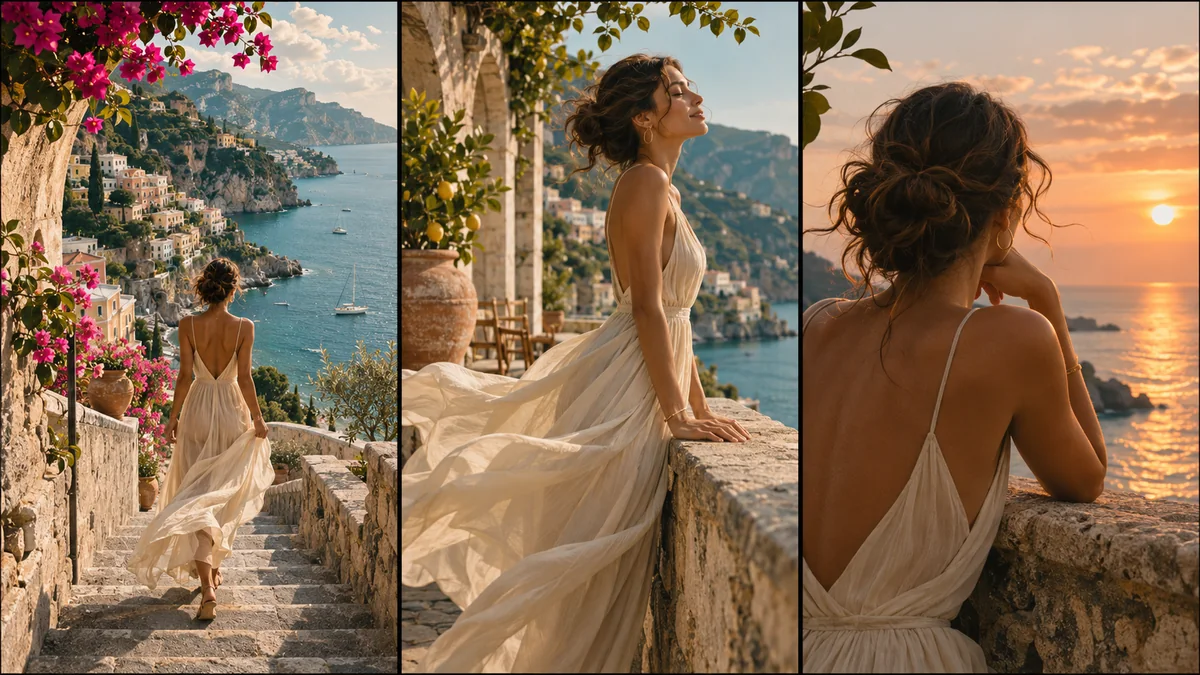
See the Whole Scene in Clips Up to 30 Seconds
Give your idea room to unfold with videos from 4 to 30 seconds in a single generation. Explore the opening, the action and the ending together, instead of judging a concept from its first moment alone. See whether a reveal lands, a camera move has enough time or an ending feels rushed before investing in further production.
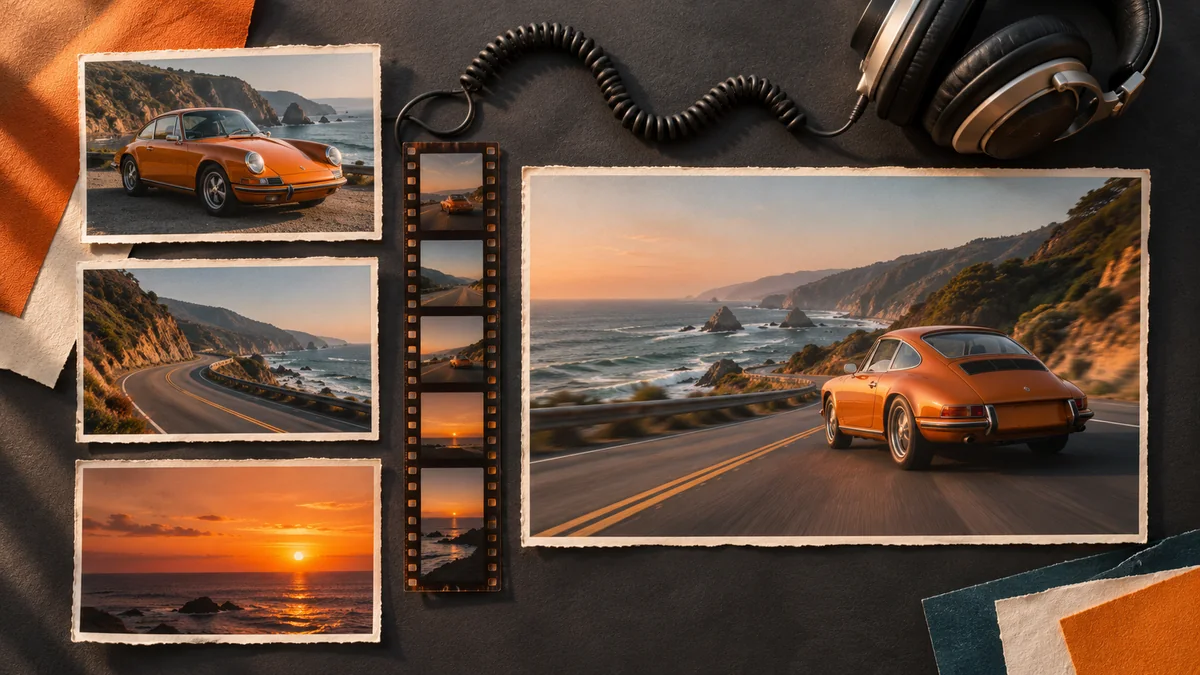
Guide Your Video With Up to 20 References
Bring up to 10 images, 5 video clips and 5 audio clips into one reference-to-video request. Use a product photo to guide appearance, a video to demonstrate camera movement and audio to suggest the mood. Describe how each reference should influence the result, so you can communicate the scene with your own materials as well as words.
How to Use Seedance 2.5 Flash
Create your first Flash video on Nano Banana in three steps, then refine the direction with another take.
Choose Flash and Your Settings
Describe the Shot and Add References
Generate, Compare and Download
What Can You Create with Seedance 2.5 Flash?
Use faster video iteration to find a stronger direction for campaigns, product stories and cinematic scenes.
Product Reveals and Launch Videos
Explore different ways to introduce a product, from a slow camera orbit to a dramatic close-up. Use reference photos to guide its appearance and compare openings before choosing a campaign direction.
Ad Concepts and Creative Variations
Try several hooks, settings or reveal timings around the same brief. Shortlist promising takes before spending more time on a longer production or a higher-resolution final.
Social Media and Vertical Clips
Develop quick visual stories for feeds, reels and short-form content. Choose a vertical aspect ratio and test how the first seconds, subject framing and pacing work on a phone screen.
Storyboards and Film Previsualization
Turn a written shot into a moving concept for a pitch or production discussion. Explore camera direction, blocking and atmosphere, then use longer clips to judge how the scene develops.
Reference-Guided Brand Stories
Combine product imagery, a motion reference and an audio cue to communicate a clear creative brief. Explore the resulting scene and refine the elements that need closer alignment.
Flash Previews for Seedance 2.5 Finals
Use Flash to compare ideas quickly, then carry the selected prompt and references into Seedance 2.5 when the project calls for a more polished final or the higher resolutions available in that model.
Frequently Asked Questions
Learn about Seedance 2.5 Flash’s speed, output settings, reference inputs and creative workflows.
What is Seedance 2.5 Flash?
How is Seedance 2.5 Flash different from Seedance 2.5?
Is Seedance 2.5 Flash really 2X faster and 34% cheaper?
What video lengths and resolutions does Flash support?
Can I generate videos from an image?
How many references can I add?
Does Seedance 2.5 Flash support audio?
What should I include in my prompt?
Can I use Flash to plan a Seedance 2.5 final?
Find your next video direction faster with Seedance 2.5 Flash
Turn a prompt or your own references into a moving idea. Explore more takes, compare the details and choose the scene worth developing.
Try Seedance 2.5 Flash