
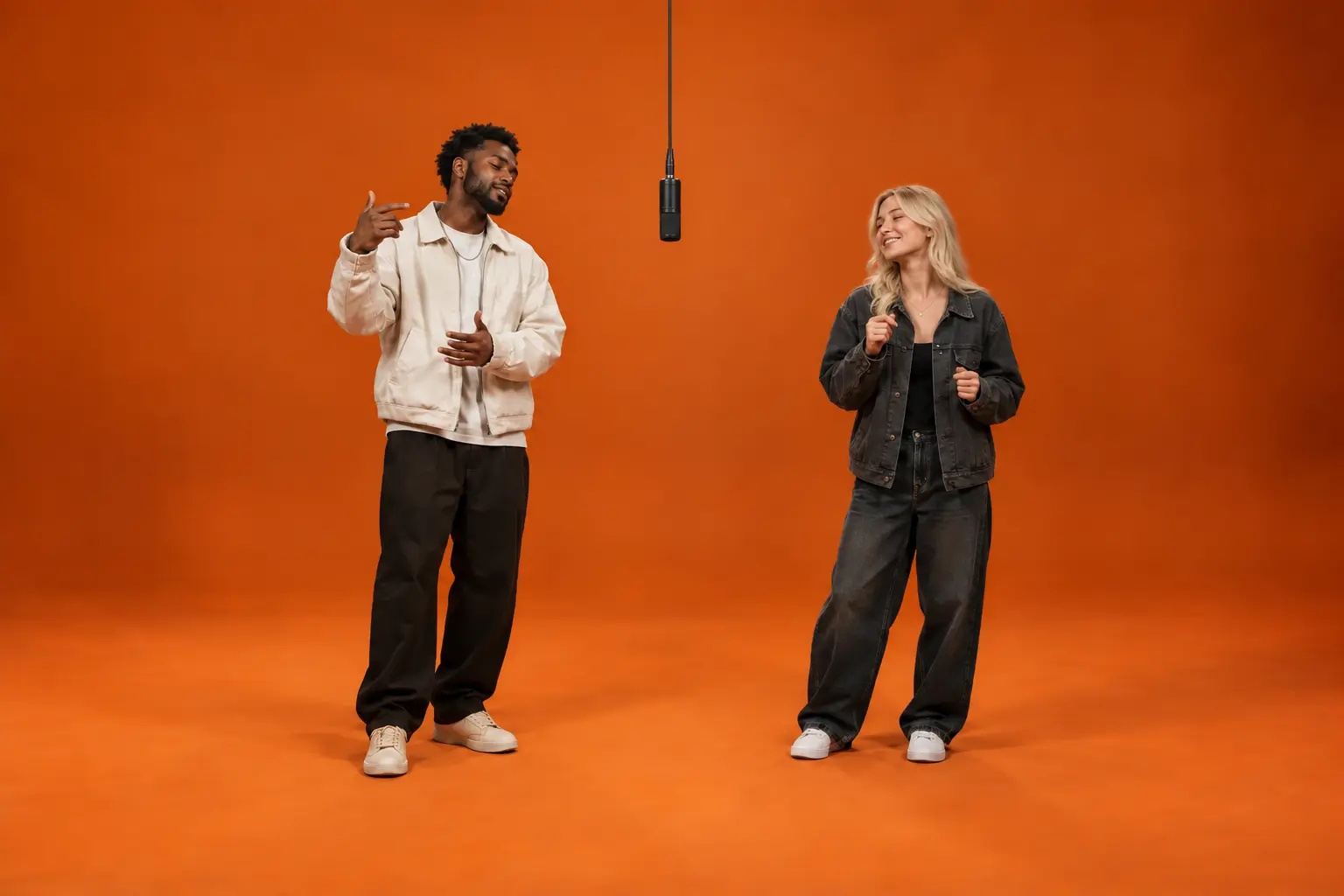
Classic Orange Booth Friends
Create a 15-second vertical performance from two separate photos of adult friends. Keep the first performer on the left and the second on the right as they take turns at the mic.
Create Similar VideoBring two familiar faces to the orange studio. Add your photos and create an original performance around one hanging microphone, with each character taking their own turn.
Choose a cast and keep the left-right order clear. Each idea uses an orange studio, a hanging microphone, and a steady camera.
Create a 15-second vertical performance from two separate photos of adult friends. Keep the first performer on the left and the second on the right as they take turns at the mic.
Create Similar Video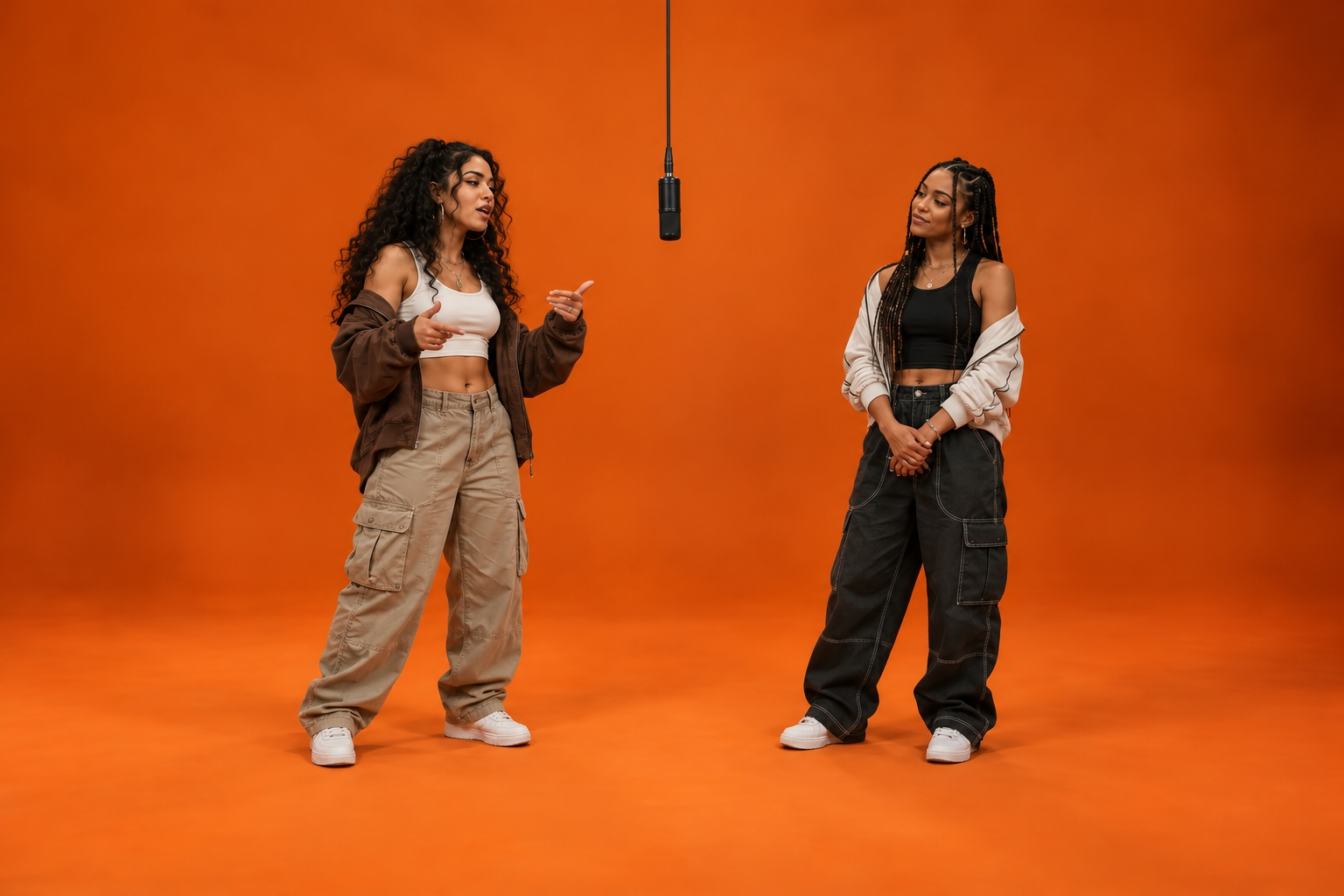
Create a vertical Hotel Lobby performance with two friends in streetwear. Preserve their individual looks and give each their own gestures and reactions.
Create Similar Video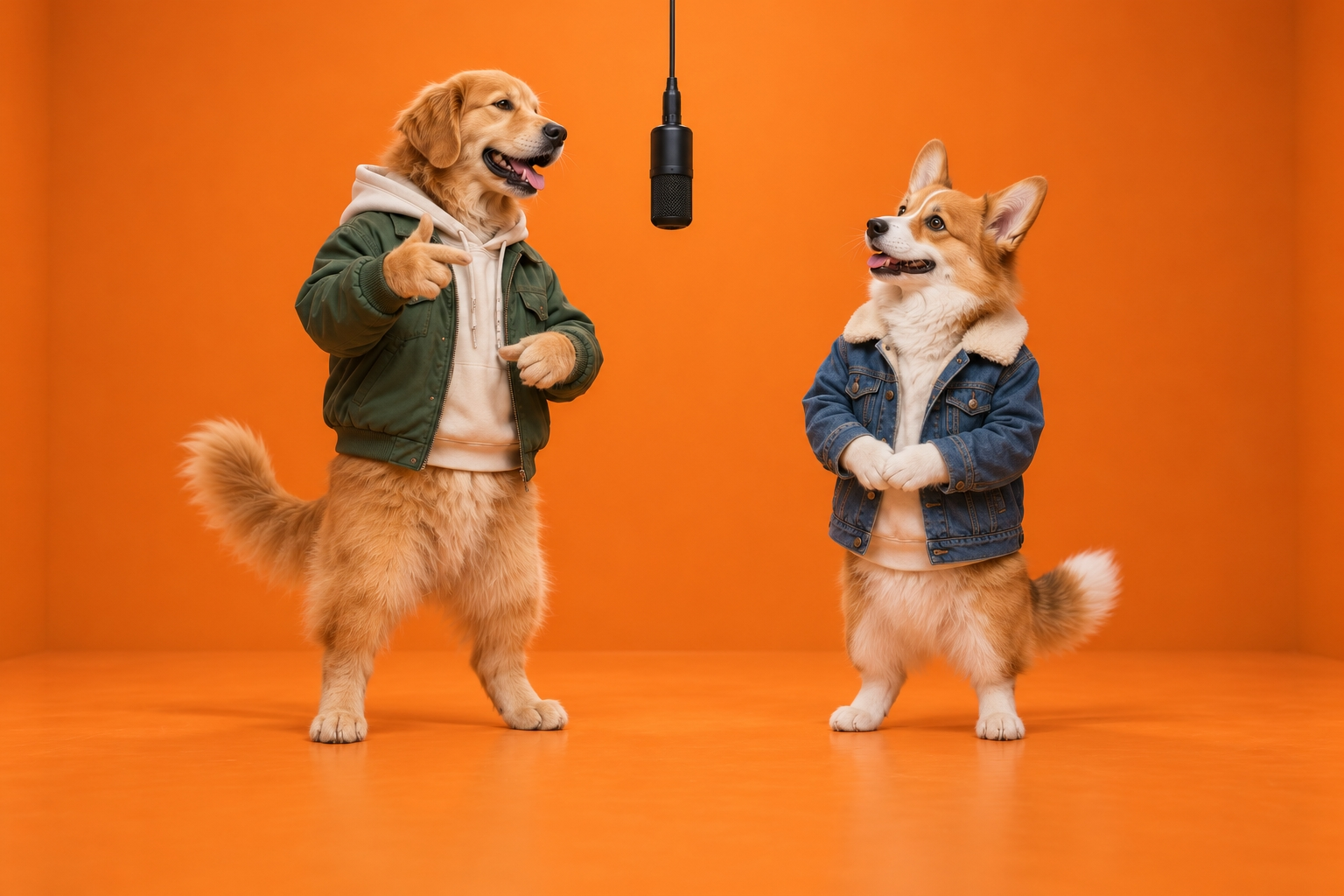
Create a playful 15-second performance from two pet photos. Keep each cat’s markings and personality distinct as they take turns in the orange studio.
Create Similar VideoFour ways to keep the cast recognizable, the exchange natural, and the scene consistent.
Use a separate photo for each performer and specify left and right in your prompt. Leave a clear gap between them and keep gestures within each character’s space. Review faces, clothing, hands, and positions across the whole clip.
Create Video FreeHave one performer lead while the other listens, nods, or smiles, then switch. Give each person independent gestures and timing. Small movements and natural pauses make the scene feel conversational.
Create Video FreeUse a seamless orange backdrop and floor with one black microphone at the center. Show both performers from head to toe in soft, even light. Hold one wide shot throughout.
Create Video Free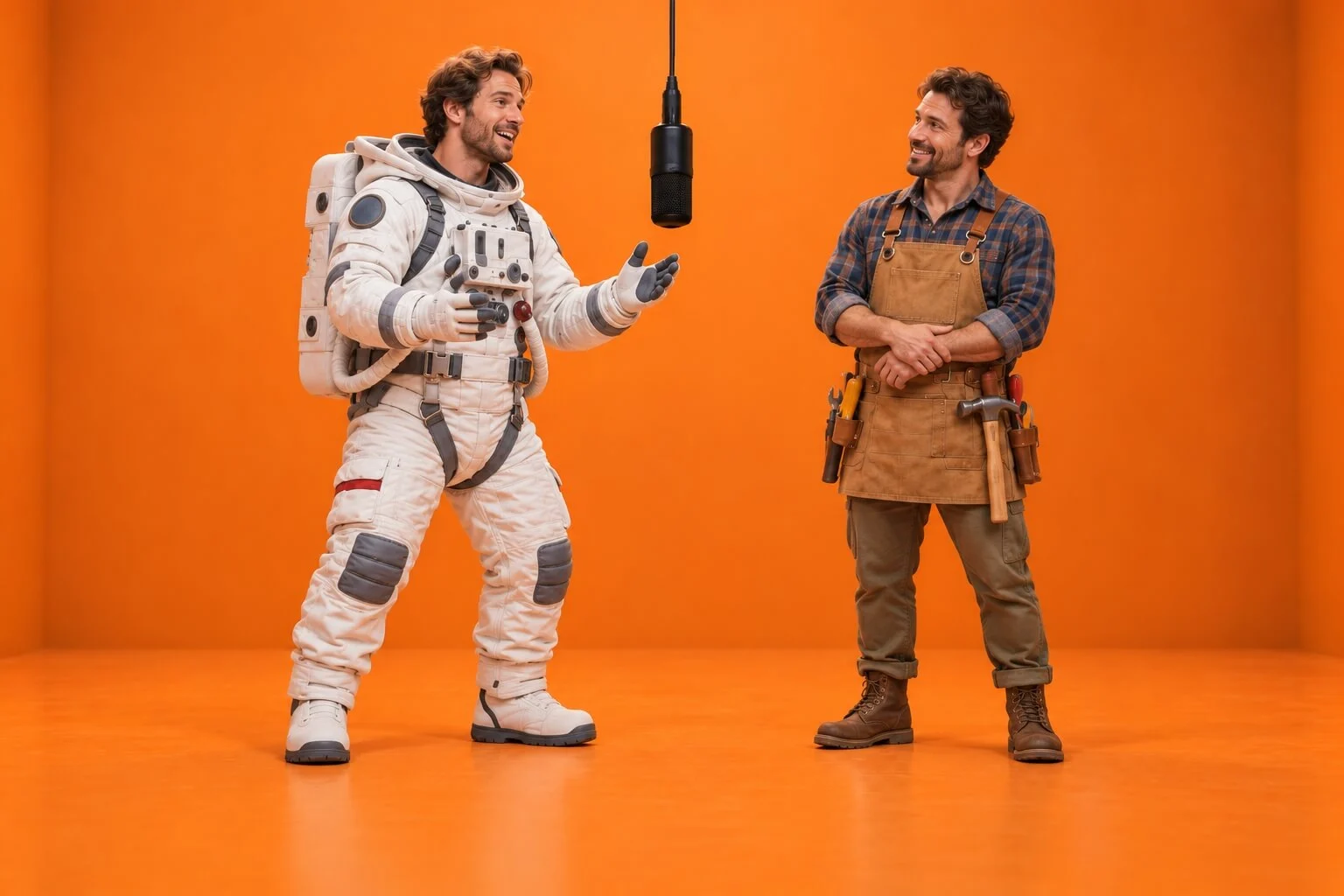
Use your own photos or images you have permission to use. Try consenting adults, fictional characters, or pets. Check the full result for stable identities and movement before downloading and sharing.
Create Video FreeA familiar stage with room for your own cast, timing, and personality.
Start with your photosChoose one image for each performer. There’s no need to film them together or build a studio set.
Friends, partners, and creative characters can give the same stage a different mood. Your references bring the personality.
See the available settings and credit estimate in the studio. Create a take, review the result, and refine your next version.
From two photos to a finished performance in three steps.
Open AI Effect from a photo card or Generate. Sign in, then add one photo per performer: left first, right second. Use JPG, PNG or WebP files up to 50 MB each.
Hotel Lobby AI is already selected. Choose the available frame shape, resolution, and duration. Review the generation count and credits, then generate.
Watch the whole clip and check faces, gestures, and left-right placement. Download your favorite take or refine the settings for another version.
Answers to common questions about photos, settings, and results.
It’s a video format with two performers in an orange studio and one hanging microphone. The appeal comes from the exchange: one character leads while the other reacts, then they switch.
Use two separate photos, one per performer. The first photo goes on the left and the second on the right.
Choose sharp, evenly lit photos with visible faces and clothing. Avoid heavy filters and crowded group shots. JPG, PNG and WebP files up to 50 MB are supported.
The effect uses its configured prompt. Create Similar Video opens the preset in AI Effect. For a custom performance, open AI Video and write your own prompt.
Yes. Select the available 9:16 option in the studio. Other frame shapes may also be available; review the settings before generating.
Credits depend on the model, settings, and number of generations. The studio shows an estimate before you submit. Model access can also depend on your plan.
The original recording isn’t included. Generated audio depends on the model and settings. You can add your own soundtrack after downloading.
AI can change details during movement. Clear photos and restrained gestures help. Review the full video for changes in faces, outfits, hands, and positions.
Follow the task in the studio, then open the result in My creations to preview and download it. Use the same account you created it with.
Add two photos, give each performer a place, and create your own back-and-forth moment in Nano Banana.
Create Video Free